O&O Defrag 31
The optimization suite for Windows 11
 30-day money back guarantee

 30-day money back guarantee
Fragmentation occurs on every computer. Files are broken up when saved and stored in individual parts on the hard drive or SSD wherever there is space. Defragmentation reverses this memory chaos. A defragmentation system rearranges the stored files and puts them back together.
O&O Defrag tidies up this shoebox by combining the snippets of a file and writing them one after the other to the hard drive or SSD. In addition, the files are reorganized so that the access times during loading are minimized. This saves you time and protects your data carriers. Regular use of O&O Defrag noticeably increases the access speed and overall performance of your Windows system. And so that you never have to worry about “file snippets” again, O&O Defrag can also be run completely automatically in the background.
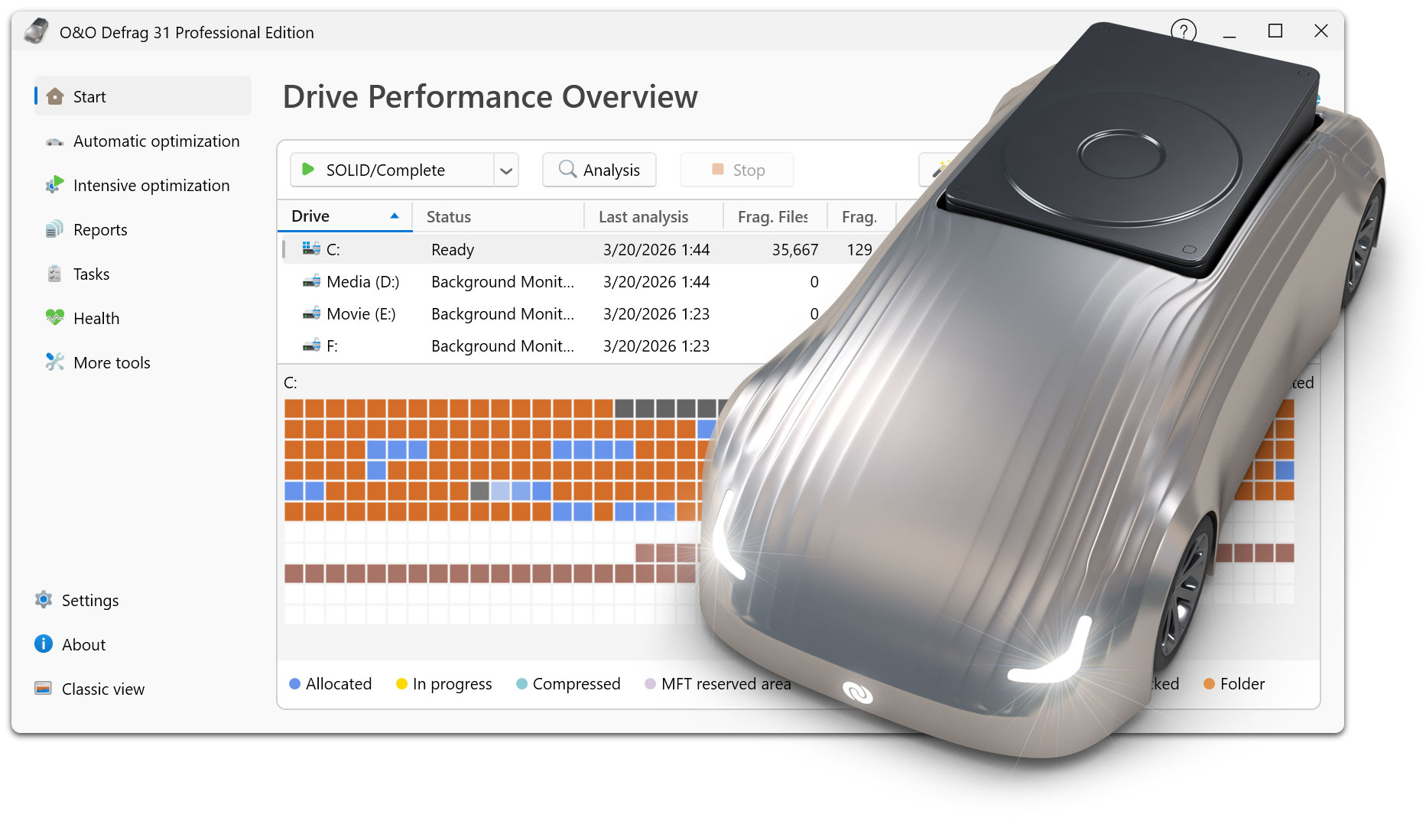
Everyone should have a fast computer. That’s why we’ve made O&O Defrag 31 so simple that anyone can use it. The new modern view does not require complicated settings.
Not a difficult decision as to which is the best defragmentation strategy for your PC. O&O Defrag takes care of everything itself. All you have to do is choose whether you want to start O&O Defrag manually yourself or whether you want it to take care of everything automatically.
Visualization of write access to SSDs
With O&O VisualDisk, write access to the hard drive as it takes place on flash-based storage media such as SSDs and NVMe drives is clearly displayed. This innovative feature shows how defragmentation can help reduce future write accesses and extend the lifespan of SSDs. The user gets a clear picture of how the hard drive works and how its performance can be optimized through targeted measures. O&O VisualDisk helps you understand how O&O Defrag can get the most out of a hard drive and protect it from unnecessary wear and tear – for a long-lasting and fast PC system.
Remove unnecessary ballast at take-off
The new O&O StartupManager offers a clear overview of all programs, tasks and services that are automatically executed when Windows starts. With detailed information about each program – including how it affects the system’s startup time – it is easy to decide which programs should be enabled or disabled. Unnecessary applications are marked as such and can be deactivated with a mouse click. Defective start entries are also detected and can be deleted. This shortens the startup time of the computer and ensures that it is ready for use faster.
and improved O&O IntensiveOptimize
The new boot time optimization optimizes the system fully automatically even before Windows starts – so even locked system files and other critical files can be reliably accelerated.
With the revised O&O IntensiveOptimize, demanding users can also optimize their system in their own Windows environment – with full access to all user and system files. Thanks to the improvements in version 31, a single mouse click is now enough, even for Bitlocker-encrypted drives.
O&O Defrag 31 also gives you the opportunity to choose your own personal defragmentation strategy. In the classic view, you can make all professional settings yourself.
In O&O Defrag 31, you can switch at any time between the classic view with all professional settings and the modern view, which is reduced to the essentials.
O&O Defrag 31 checks your hard drive or SSD for inconsistencies that can lead to problems. It examines the component memory and Windows system files for errors.
O&O Defrag will show you whether and which errors have been found after the check has been completed. With the repair function, most errors can be fixed directly.
Over time, more and more ballast accumulates on a PC. Temporary files, internet cache and the like can take on considerable proportions. This can lead to a storage space problem, especially on modern SSDs. But backups also take much longer than necessary.
With the improved O&O DiskCleaner in O&O Defrag, you can put an end to files that are no longer needed.
Programs that are no longer in use can pose a security risk. Definitely, they are wasting disk space. You probably won’t need a 2011 tax filing program anymore. But do you even know it’s still installed?
O&O Defrag 31 now clearly displays all installed programs. And with one click, you can easily uninstall the ones you no longer need. This saves storage space (important for SSDs) and increases your security.
The automatic defragmentation optimizes your data carriers in the background without negatively affecting your computer’s performance. O&O Defrag can be set up so that defragmentation starts automatically at a certain level of fragmentation, on certain days of the week, or whenever your screensaver is active.
For the first time, O&O Defrag 31 now supports the family of CPUs based on the ARM architecture (Advanced RISC Machine) in addition to the previous Intel and AMD processors. These are currently mainly used in new Windows PCs with AI support and will take a significant market share in the coming period due to their energy efficiency and lower costs.