O&O DiskImage 23 Premium
Protect your valuable data
 30-day money back guarantee

 30-day money back guarantee
With O&O DiskImage 23, you can quickly and easily back up your entire computer, individual drives, and partitions. Individual files and folders can also be backed up with ease. Alternatively, you can clone your hard drive to a spare drive to be prepared for any eventuality. Of course, SSDs (Solid State Drives), GPT disks, and modern UEFI system configurations are also supported. Reliable backup software is one of the most important applications on your PC.
Regularly backing up personal data is still underestimated by many PC users. However, once data is lost due to software errors, hardware failures, or user mistakes, the value of a reliable and up-to-date backup quickly becomes clear.
In the event of data loss, a backup previously created with O&O DiskImage allows you to restore your data in just a few clicks – even if Windows no longer starts.
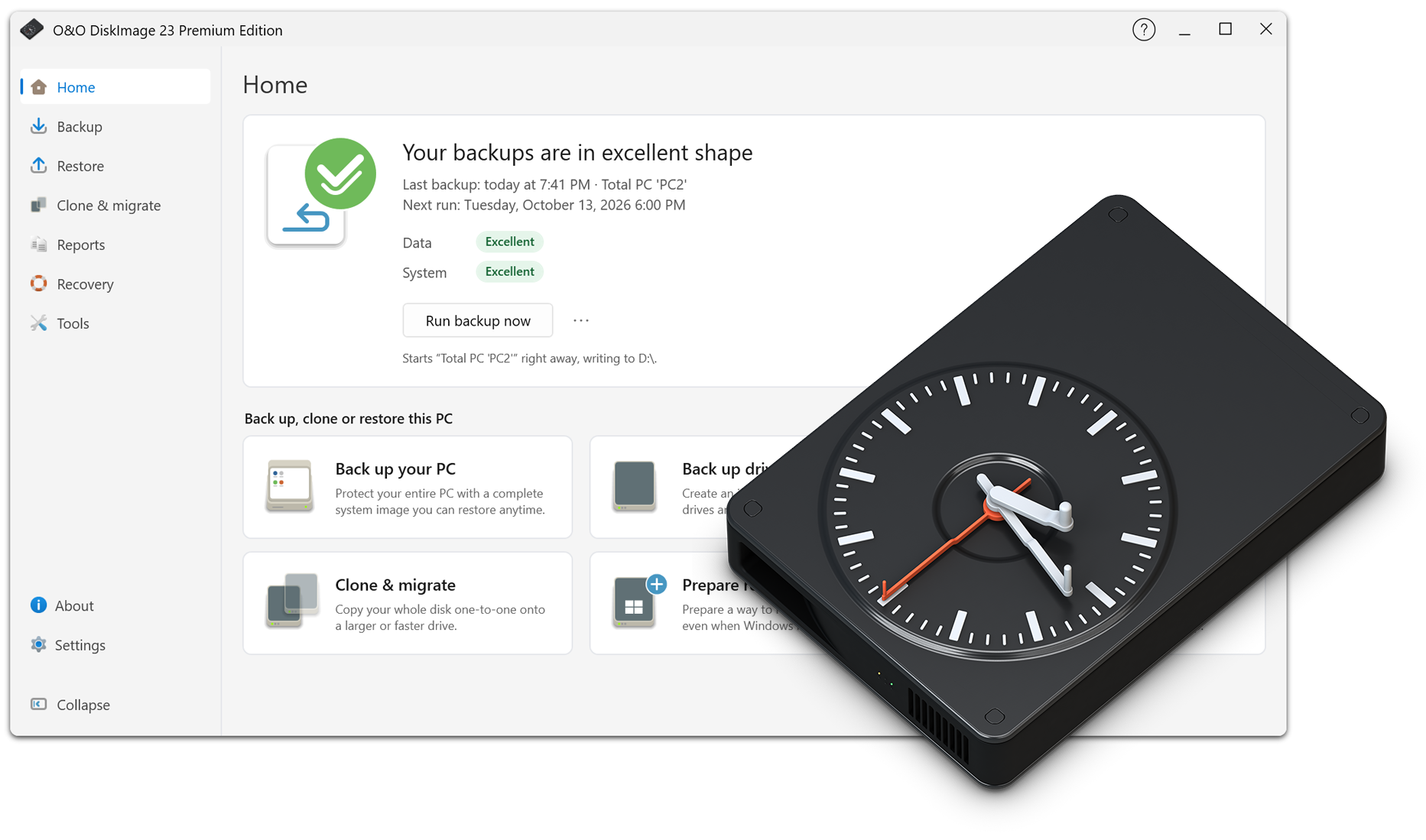
The completely redesigned, interactive user interface of O&O DiskImage 23 provides a quick and clear overview of your current backup situation. Backup history, protection status, and important information are brought together in one central view.
In addition, O&O DiskImage provides helpful recommendations whenever action is required. This allows you to see at a glance how well your system is currently protected and which measures may be useful.
Drive-based backup saves all the contents of a selected drive in a single backup file. A full backup of the system drive includes the entire operating system, installed applications, and system settings.
This not only protects your irreplaceable files but also saves you the time-consuming process of reinstalling and configuring Windows and all your applications in the event of a system failure.
For even greater security, O&O DiskImage 23 supports an additional backup destination in the cloud. A backup can first be created quickly on a local drive and then automatically transferred to a second storage location in the cloud.
You can also connect your own cloud infrastructure. Uploads take place conveniently in the background without interrupting your normal work. For example, S3-compatible storage can be used as an additional backup destination.
This allows you to combine the speed of local backups with the added security of an external copy of your data.
O&O DiskImage 23 makes it even easier to set up reliable, long-term backup routines. You can create automatic backup chains and individually define the intervals at which backups should be performed.
Once configured, backups continue automatically according to the selected schedule. This ensures continuous protection over long periods without having to manually start or manage individual backup operations.
Restoring your backup with O&O DiskImage is particularly easy: simply boot from a previously created bootable medium, such as a USB flash drive, select an existing backup, and start the recovery process.
Our hardware-independent restoration technology is already included. This allows you to transfer existing backups to a new computer. New hardware is automatically detected, and the necessary Windows settings are adjusted accordingly.
The unique Fortress Mode in O&O DiskImage 23 Premium allows the application to run in a completely isolated and secure Windows environment. This enables backups to be performed without interference from other running applications.
It also enables direct forensic backups that capture and accurately reproduce the current state of all storage sectors on the system.
O&O DiskImage 23 Premium offers two options: You can integrate Fortress Mode into the Windows Recovery Environment in advance, allowing it to be launched directly on your PC. Alternatively, you can create external bootable media that allows you to start, back up, and restore your computer independently of the installed Windows operating system.
Both options complement each other and provide maximum flexibility – whether restoring the original system or transferring it to new hardware.
O&O DiskImage 23 provides comprehensive support for working with virtual drives. You can create incremental and differential backups of virtual drives, merge them, and mount them as drives.
This allows you to access your backed-up files within seconds using an existing backup and continue working with them immediately.