O&O DiskRecovery 14: Easily Recover Deleted Files
Every computer user sooner or later comes to the point where they need to recover deleted files. Whether you accidentally deleted pictures or documents, emptied the recycle bin, or formatted the wrong hard drive, O&O DiskRecovery allows you to search and recover your deleted files such as documents and images. Complete hard drives, individual partitions, memory cards or even USB sticks can be analyzed. Of course, SSD (Solid State Disk) drives are also supported. The operation is intuitive and simple thanks to a wizard that guides you step by step through data recovery. With the free trial version, you can determine whether data can be saved before you buy.
O&O DiskRecovery can detect and recover over 400 file types and versions, including Microsoft Office 2016 documents. The recovery of images and video files from digital cameras has been further improved, and the search for compressed files, especially compressed files in ZIP and 7zip format, has also been optimized.
Three built-in search algorithms
O&O DiskRecovery combines various technologies for data recovery, which complement each other optimally, but can also be used individually – whether fast search or sector-based deep search.
Support for forensic image protection
If a data carrier already shows serious problems, you can also create a forensic image backup with O&O DiskImage. The data recovery can then be performed based on this backup.
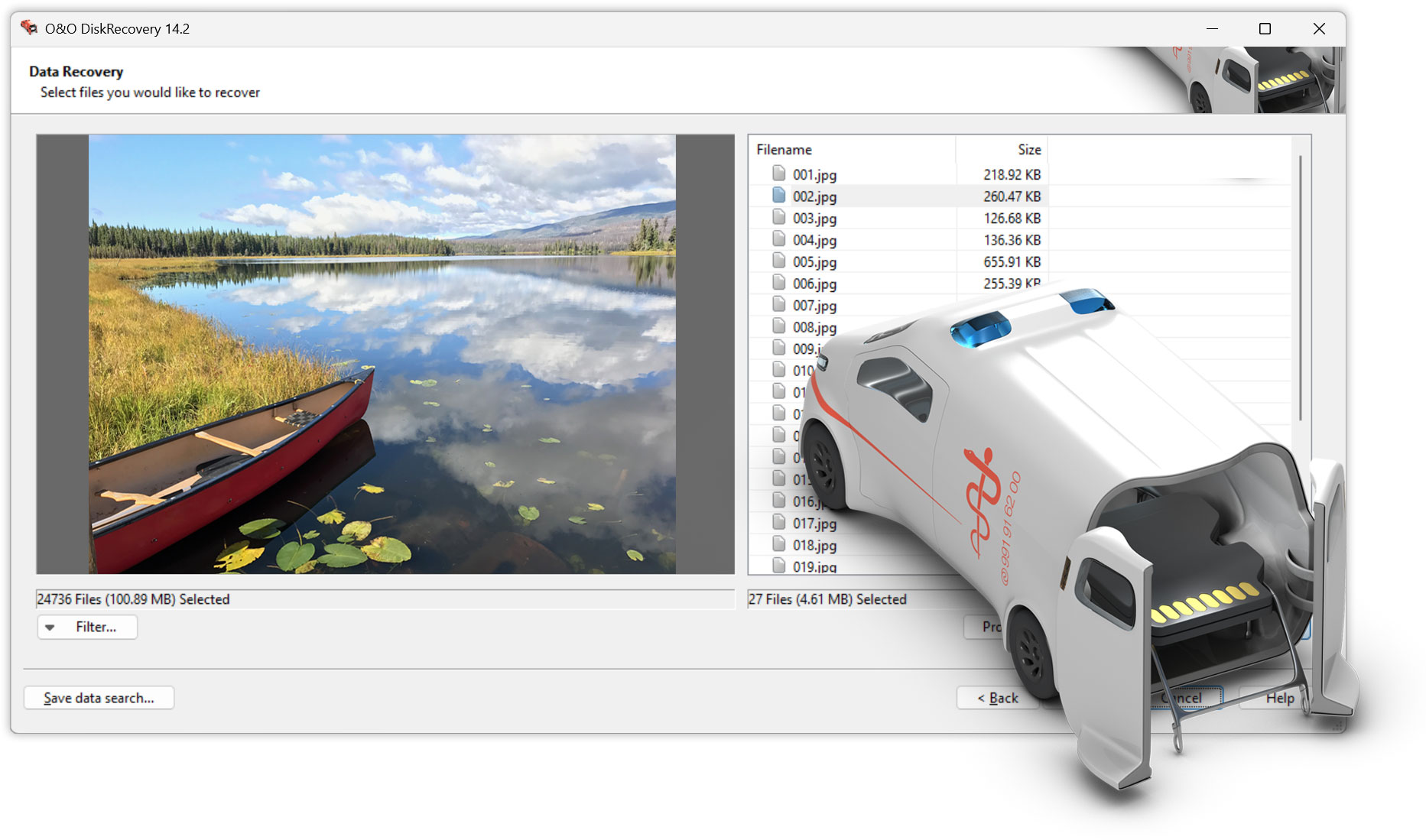
Preview function
After the scan is complete, it is possible to preview the recoverable files. O&O DiskRecovery supports various image and text formats in the preview function, including JPG, BMP, TIF, XML, TXT.
What to do in the event of data loss
If you want to recover accidentally deleted files, you should avoid all further writes to the affected disk as much as possible.
If O&O DiskRecovery is not yet installed on your computer in an acute emergency, the instant installation is available. You will need a second computer and a removable storage device (e.g. USB stick, external hard drive). Then start the installation on the second computer and save the “Instant Installation” to the removable storage device. You can then connect it to the actual computer (target computer) from which you want to rescue data and run O&O DiskRecovery from there. This avoids the complete installation on the target computer, which could otherwise possibly overwrite areas of the hard drive that are important for data recovery.
 30-day money back guarantee
Included in the O&O ToolBox – for €59.90 per year
30-day money back guarantee
Included in the O&O ToolBox – for €59.90 per year