Tip for prevention: Regular backups protect against data loss: Learn more here

All functions of O&O DiskRecovery at a glance

When data suddenly disappears, every minute counts: O&O DiskRecovery brings back your important files quickly and reliably – regardless of whether they are accidentally deleted, lost after formatting or no longer accessible due to a damaged file system. With powerful scanning methods, a high file type detection rate, and intuitive step-by-step guidance, you can find lost data even without expert knowledge.

The following functions show how flexibly O&O DiskRecovery provides support in everyday life and in emergencies – from a quick search to in-depth analysis and practical recovery.

Recover data with confidence

  • Recover deleted files
  • Data Recovery after Formatting
  • Recovery from corrupted/destroyed file system
  • Sector-based disk analysis (sector-by-sector)
  • Unlimited recoverable files

Powerful scanning methods

  • Three built-in search algorithms
  • Quick Scan for Quickly Deleted Files
  • Deep scan for deep recovery and reconstruction

High hit rate on file types

  • Support for over 400 file types and versions
  • Add custom file signatures

Easy to use

  • Step-by-Step Wizard
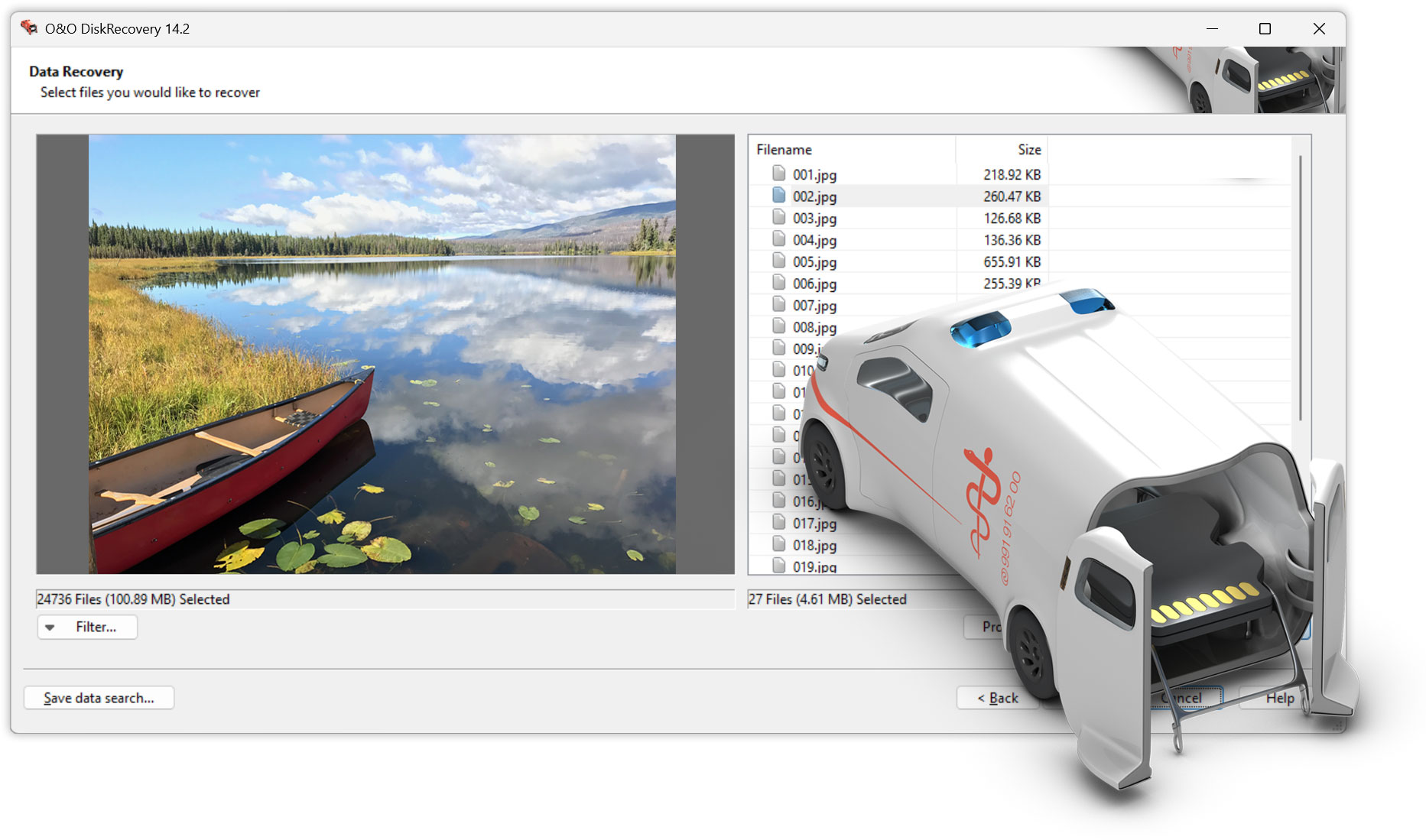
  • Preview before recovery (e.g., images and text files)

Flexible selection when scanning

  • Scan of entire disks
  • Scan of individual partitions

Support for many disks

  • Hard drives and SSDs
  • USB sticks
  • Memory Cards
  • Other removable media

Emergency intervention without risk

  • Fast instant installation (portable boot from external media)
  • Start via second PC via USB/external drive or network

Find results quickly

  • Filter by size
  • Filter by Timestamps (Create/Modify/Access)
  • Hide empty folders and files

Integration with backup workflows

  • Mounting DiskImage Images
  • Restore from images without access to the original media

Windows compatibility

  • Support for Windows 8 to Windows 11 (all editions)