• Backup & transfer data
      • O&O DiskImage Professional data backup for your PCs
      • Rescue data & systems
      • O&O DiskRecovery Professional data recovery made easy
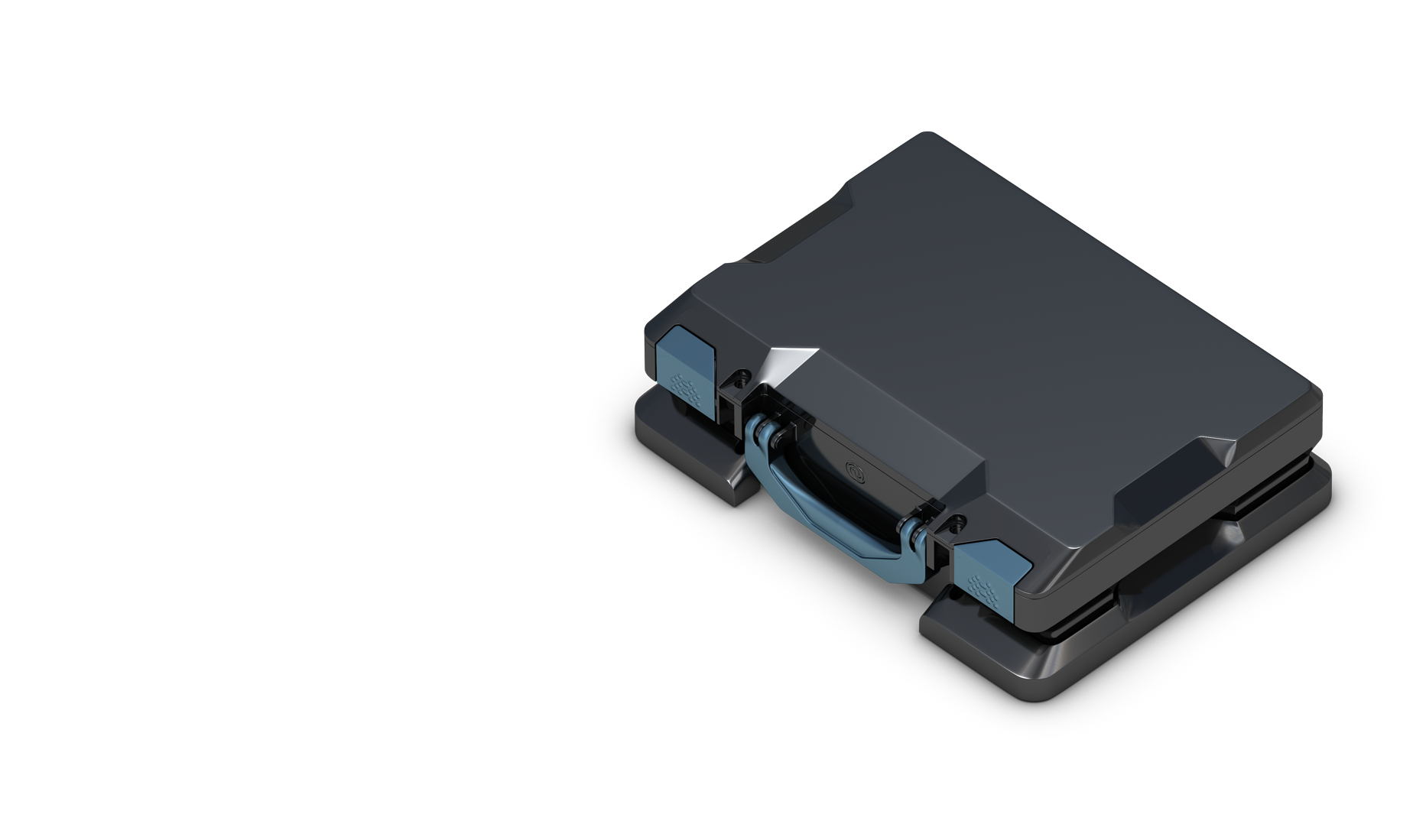
      • O&O BlueCon Disaster recovery when a pc or server no longer starts
      • PC Migration Windows 11
      • Migration Kit for Windows 11 The Easy PC Migration
      • Optimize systems
      • O&O Defrag Speed up your Windows PC
      • O&O DiskCommander Disk Analysis & Backup Testing
      • Cloud solutions
      • O&O Syspectr Free IT management solution from the cloud
      • O&O FileDirect Send files. Easily. Securely.
      • Protect data & systems
      • O&O SafeErase Secure data deletion
      • Freeware
      • O&O ShutUp10++ Antispy tool for Windows 10 and 11
      • O&O RegEditor Editing the Windows Registry
      • O&O AppBuster Bust Apps you do not want
      • O&O Lanytix Quick and easy Network Analysis in the LAN
      • O&O DeskInfo All important system information directly on the desktop
      • NEW: O&O ToolBox Our top products in
        a package at a special price!
      • View all products Discover all our tools for Windows
      • Downloads Get installation and portable applications
      • O&O Blog Stay up-to-date with our blog
      • Corporate Solutions Benefits for your company
      • Protect Enterprise Data
      • O&O DiskImage Backup solution for your business
      • O&O DiskImage Enterprise Data backup and system recovery at industrial levels
      • Productivity Boost
      • O&O Defrag Maximum performance for your Windows servers and PCs
      • Enterprise-Wide Data Recovery
      • O&O DiskRecovery Professional data recovery at the push of a button
      • O&O BlueCon The recovery system when a computer or server no longer starts
      • Protect Your Enterprise Data
      • O&O SafeErase Secure data deletion for critical business data
      • Freeware
      • O&O ShutUp10++ Compliance use of Windows in businesses
      • Your IT Management in the Cloud
      • O&O Syspectr Remote Monitoring and Management for Windows
      • O&O Blog Stay up-to-date with our blog
      • O&O PowerPack Enterprise The complete solution for your servers and PCs at a bargain price!
    • View all products >>>
      • Ressources
      • Documentation Documents related to O&O products
      • User's guides online Read manuals online
      • Downloads Download archive
      • Whitepapers Studies and whitepapers
      • FAQ Frequently asked questions
      • First aid First aid in the event of data loss
      • Get support
      • Overview Our service offers
      • Registration Register your O&O product
      • Trial users Support for trial users
      • Registered customers Support for registered customers
      • License recovery Resend your O&O license
      • Partner
      • O&O Partner Program Your advantages as an O&O Partner
      • O&O Partners Authorized O&O Partners in your region
      • Company
      • About us Leading manufacturer of system tools
      • Product releases List release dates and versions
      • The O&O Group Made in Berlin. Made in Germany.
      • Team Our management team
      • Contact us How to contact O&O
    • Contact
    • Newsletter

Business Private Partners

O&O BlueCon 23

Disaster recovery for your business

from 1390 €

Buy Now
Request a quote
30-day money back guarantee
O&O BlueCon 23 - Disaster recovery for your business
Are you looking for a backup solution for your company? Find out more here.
  • Overview
  • Scenarios
  • Products Included
  • Features
  • Prices
  • Screenshots
  • Support
  • Inquiry
  • Buy Now

Network Booting and Virtual Management

O&O BlueCon 22
O&O BlueCon 22
  • Available as Admin, Admin Plus, and Enterprise Tech Edition
    and as a subscription with our RMM Software O&O Syspectr from 290 Euros per year
  • Free technical support for the first 30 days
  • Compatible with Windows 11, 10, and Windows Server editions
  • New versions of O&O DiskImage and O&O SafeErase included
ab 1390 USDBuy nowFree Trial

Unrestricted 30-day return policy.
All prices include VAT.

Revolutionizing IT Support with Network Booting and Virtual Management

Overcoming Distance with Network Booting (PXE Boot)

The Challenge of Remote IT Support – IT technicians frequently encounter the challenge of geographic distance from the systems requiring their expertise. Traditional approaches often necessitate travel to the user’s site for hands-on troubleshooting and repair, involving booting from physical media like DVDs or USB drives. However, the practicality of these methods diminishes when faced with missing boot media, absent DVD drives, or non-functional USB ports.

The Network Booting Solution

Thanks to advancements in network technology, modern PCs and servers offer a solution through PXE (Preboot Execution Environment) booting. This feature facilitates booting over a network, rendering local boot media unnecessary. Utilizing O&O BlueCon’s BuildPE boot assistant, administrators can craft a PXE Boot Medium and host it on a network server. This innovative approach simplifies the repair process for multiple systems within an organization, bypassing the need for physical media insertion and significantly enhancing efficiency in IT operations. Ensuring the PXE server’s integration with the Microsoft domain, or its equivalent setup, alongside the implementation of Windows Deployment Services (WDS) or alternative solutions, is crucial for seamless functionality.

Mastering Hyper-V Management and Virtualization

Embracing Virtualization in IT

The adoption of virtualization technologies has reshaped the IT landscape, enabling the virtual operation of numerous Windows servers. Despite the general stability and security associated with virtual environments, they are not immune to system crashes. In instances where a crash affects only the virtual machine (VM), snapshots offer a rapid remedy. Nevertheless, backups remain a cornerstone of effective disaster recovery, albeit with their own set of complexities.

Special Considerations for Virtual Machine Repair

Addressing issues within virtual machines with O&O BlueCon mirrors the process for physical systems, though it requires awareness of potential complications originating from the host system. VM-specific problems necessitate a nuanced approach, considering the unique dynamics of virtual environments.

Hyper-V Host Recovery Strategies

When dealing with blue screen errors on a Windows server functioning as a Hyper-V host, the intricacies of the situation demand a specialized response. The integration of storage adapters, local RAID configurations, and specific system drivers, coupled with tight repair windows, presents a complex scenario. In such contexts, employing a recovery program optimized for Windows systems, like O&O BlueCon, becomes indispensable. This tool offers a tailored solution for swiftly and effectively addressing system issues, minimizing downtime, and ensuring the continuity of critical IT services.

Start your trial or contact us today!

Request a Demo Version

About us Newsletter For Partners Contact
Our Products Order Downloads Protecting Your Security - Securing Your Privacy
Support FAQ Platform Status News & Releases
Social Commitment Press Releases O&O Labs The O&O Group
© 1997-2026 O&O Software GmbH, Berlin
Privacy Policy Terms & Conditions EULA Cancel subscriptions Imprint