• Backup & transfer data
      • O&O DiskImage Professional data backup for your PCs
      • Rescue data & systems
      • O&O DiskRecovery Professional data recovery made easy
      • O&O BlueCon Disaster recovery when a pc or server no longer starts
      • PC Migration Windows 11
      • Migration Kit for Windows 11 The Easy PC Migration
      • Optimize systems
      • O&O Defrag Speed up your Windows PC
      • O&O DiskCommander Disk Analysis & Backup Testing
      • Cloud solutions
      • O&O Syspectr Free IT management solution from the cloud
      • O&O FileDirect Send files. Easily. Securely.
      • Protect data & systems
      • O&O SafeErase Secure data deletion
      • Freeware
      • O&O ShutUp10++ Antispy tool for Windows 10 and 11
      • O&O RegEditor Editing the Windows Registry
      • O&O AppBuster Bust Apps you do not want
      • O&O Lanytix Quick and easy Network Analysis in the LAN
      • O&O DeskInfo All important system information directly on the desktop
      • NEW: O&O ToolBox Our top products in
        a package at a special price!
      • View all products Discover all our tools for Windows
      • Downloads Get installation and portable applications
      • O&O Blog Stay up-to-date with our blog
      • Corporate Solutions Benefits for your company
      • Protect Enterprise Data
      • O&O DiskImage Backup solution for your business
      • O&O DiskImage Enterprise Data backup and system recovery at industrial levels
      • Productivity Boost
      • O&O Defrag Maximum performance for your Windows servers and PCs
      • Enterprise-Wide Data Recovery
      • O&O DiskRecovery Professional data recovery at the push of a button
      • O&O BlueCon The recovery system when a computer or server no longer starts
      • Protect Your Enterprise Data
      • O&O SafeErase Secure data deletion for critical business data
      • Freeware
      • O&O ShutUp10++ Compliance use of Windows in businesses
      • Your IT Management in the Cloud
      • O&O Syspectr Remote Monitoring and Management for Windows
      • O&O Blog Stay up-to-date with our blog
      • O&O PowerPack Enterprise The complete solution for your servers and PCs at a bargain price!
    • View all products >>>
      • Ressources
      • Documentation Documents related to O&O products
      • User's guides online Read manuals online
      • Downloads Download archive
      • Whitepapers Studies and whitepapers
      • FAQ Frequently asked questions
      • First aid First aid in the event of data loss
      • Get support
      • Overview Our service offers
      • Registration Register your O&O product
      • Trial users Support for trial users
      • Registered customers Support for registered customers
      • License recovery Resend your O&O license
      • Partner
      • O&O Partner Program Your advantages as an O&O Partner
      • O&O Partners Authorized O&O Partners in your region
      • Company
      • About us Leading manufacturer of system tools
      • Product releases List release dates and versions
      • The O&O Group Made in Berlin. Made in Germany.
      • Team Our management team
      • Contact us How to contact O&O
    • Contact
    • Newsletter

Business Private Partners

O&O DiskRecovery 14

Enterprise-wide data recovery

from 399 €

Buy Now
Try for free
30-day money back guarantee
O&O DiskRecovery 14 - Enterprise-wide data recovery
Windows 10 Windows 11
Tip for prevention: Regular backups protect against data loss: Learn more here
  • Overview
  • Scenarios
  • Features
  • Pricing
  • Screenshots
  • Support
  • Buy Now

All functions of O&O DiskRecovery for companies at a glance

Data loss can occur at any time – due to accidental deletion, system crashes, hardware failures, or malware. Especially in companies, however, every minute and every file counts, because missing data often means downtime, loss of productivity and high costs. O&O DiskRecovery offers corporate customers a powerful and ready-to-use solution for the rapid recovery of business-critical data. By combining multiple search and recovery algorithms, even complex data loss can be reliably analyzed and lost files can be made available again. Whether directly during operation or via a boot medium in an emergency: O&O DiskRecovery supports IT departments in minimizing downtimes and quickly restoring the company’s ability to act.

Data recovery for business scenarios

  • Recover accidentally deleted business data
  • Recover from system crashes and unexpected reboots
  • Recovery from software failures and corrupted installations
  • Recovery from hardware problems and unstable disks
  • Recover from malware or virus events if data ranges are still readable
  • Recovery of data after misoperation, relocation or reorganization of data assets
  • Recover important work files, project folders, and corporate documents

Supported disks and locations

  • Recovery from internal hard drives (HDD/SSD)
  • Recovery from external hard drives
  • Recovery from USB flash drives and removable drives
  • Recovery of memory cards (e.g. SD, microSD) via card reader
  • Recovery of data on additional partitions and disks
  • Access to data via portable disks or network paths in an emergency scenario

Powerful search and recovery algorithms

  • Combination of multiple search and recovery methods for maximum hit rate
  • Detect recoverable files even in complex loss scenarios
  • Locating files after deletion, formatting, or file system corruption
  • Deep search to detect data when directory structures no longer exist
  • Identification of recoverable data even in the case of corrupted metadata
  • Optimized for high data volumes and large enterprise drives

Recovery from formatting and file system damage

  • Recovery from accidental quick format
  • Recovery from formatting errors and faulty partitioning actions
  • Recovery from corrupted file system structures
  • Recovery when Windows no longer mounts drives correctly
  • Assistance with logical damage that prevents access to data

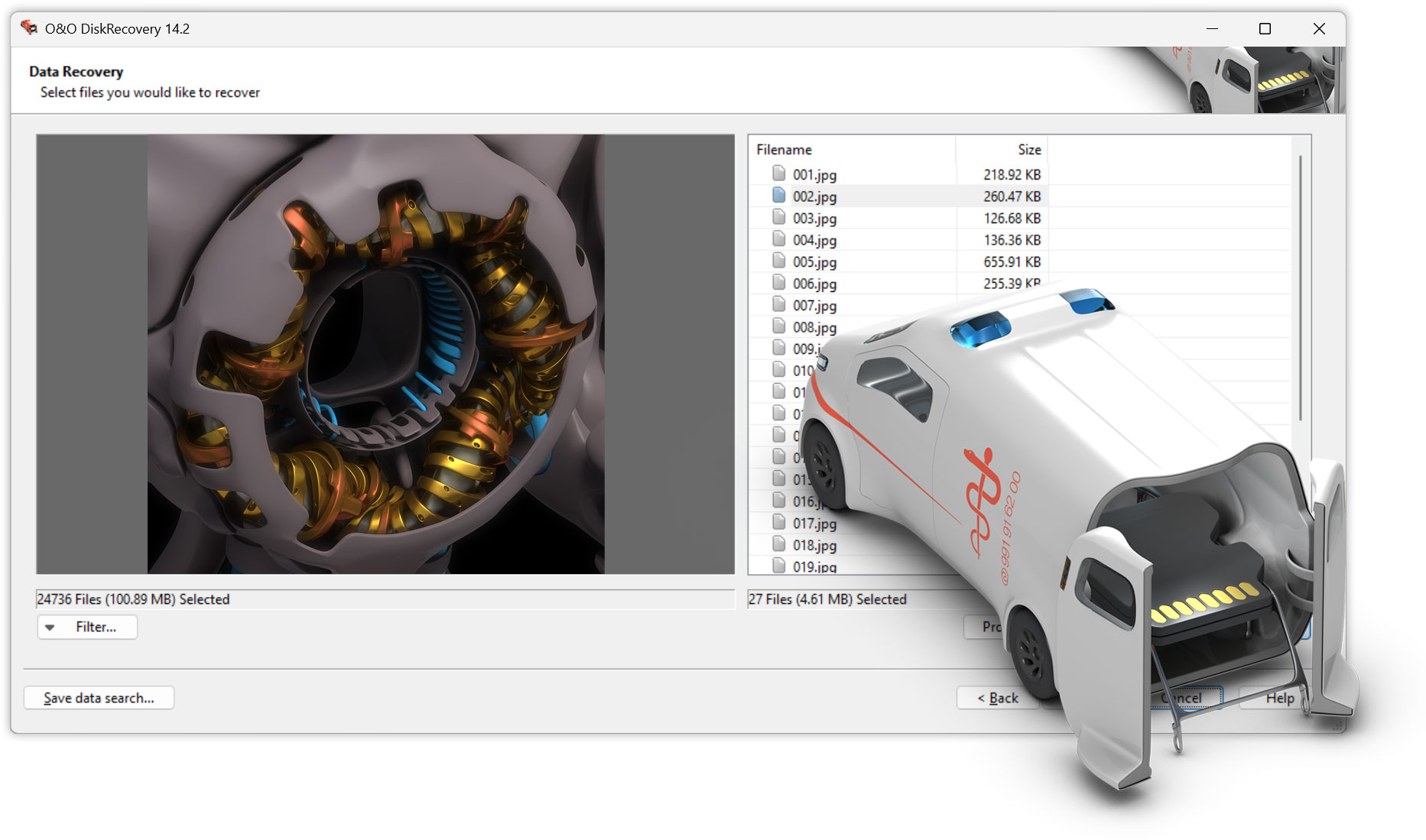
Preview and check results before recovery

  • Preview found files for quick validation
  • Quickly check if the correct version of a file has been found
  • Assistance in deciding which files to restore in a prioritized manner
  • Reduction of unnecessary recovery operations through targeted selection

Targeted selection and prioritization

  • Selective recovery of individual files
  • Selective recovery of entire folder structures
  • Filter by file type, name, or structure for faster selection
  • Prioritize critical data in emergencies to minimize downtime
  • Restore in stages, e.g. business-critical data first, then archive data

Secure recovery without overwriting important data

  • "Immediate installation" for use without risky installation steps on the affected system
  • Reduce the risk of overwriting recoverable data regions
  • Suitable for situations where every write operation on disk is critical
  • Best Practices for Enterprise Recovery Workflows

Emergency operation without working Windows

  • Creation of a bootable rescue medium for recovery scenarios
  • Start recovery even if Windows stops starting
  • Access to stored files in a separate rescue environment
  • Navigation to data and copy to external drives (e.g. USB) in case of emergency
  • Recovery directly from the boot medium without burdening the productive system

System rescue and administrator functions in the boot medium

  • Integrated system rescue tools for typical emergency measures
  • Access to the Windows Registry for Error Analysis and Repair Actions
  • Support in restoring the ability to work after system failures
  • Suitable for IT teams that need to take quick initial actions

Use in enterprise environments

  • Suitable for IT departments, help desks and administrators
  • Support for standardized enterprise recovery processes
  • Can be used as part of an emergency and business continuity concept
  • Practical for quick help in the event of data loss without waiting for external service providers
  • Reduce downtime with instant internal recovery options

Performance and efficiency with large amounts of data

  • Designed for large data carriers and large file stocks
  • Efficient scanning and search mechanisms for faster results
  • Suitable for typical business data structures with many files and folders
  • Targeted workflows to quickly recover business-critical data

Documents, data and typical company files

  • Recovery of Office documents and project-related files
  • Recover PDFs, presentations, spreadsheets, and text documents
  • Recovery of media files (e.g. images, videos) for marketing/production
  • Archive and packaged file recovery (z.B. ZIP)
  • Restore configuration and application files, if available

Operational safety and best practices

  • Support for a cautious recovery approach with secure installation/boot options
  • Suitable for use after data loss before further system changes occur
  • Support of IT in controlled procedures to avoid consequential damage
  • Recommended as a quick emergency aid before an external laboratory rescue is necessary

Licensing and usage environment for corporate customers

  • Can be used in companies as part of internal IT toolchains
  • Suitable for multiple systems depending on the business process and licensing model
  • Designed to meet professional requirements in support and emergency situations
About us Newsletter For Partners Contact
Our Products Order Downloads Protecting Your Security - Securing Your Privacy
Support FAQ Platform Status News & Releases
Social Commitment Press Releases O&O Labs The O&O Group
© 1997-2026 O&O Software GmbH, Berlin
Privacy Policy Terms & Conditions EULA Cancel subscriptions Imprint