1. Which Windows versions is O&O SafeErase Server Edition suitable for?
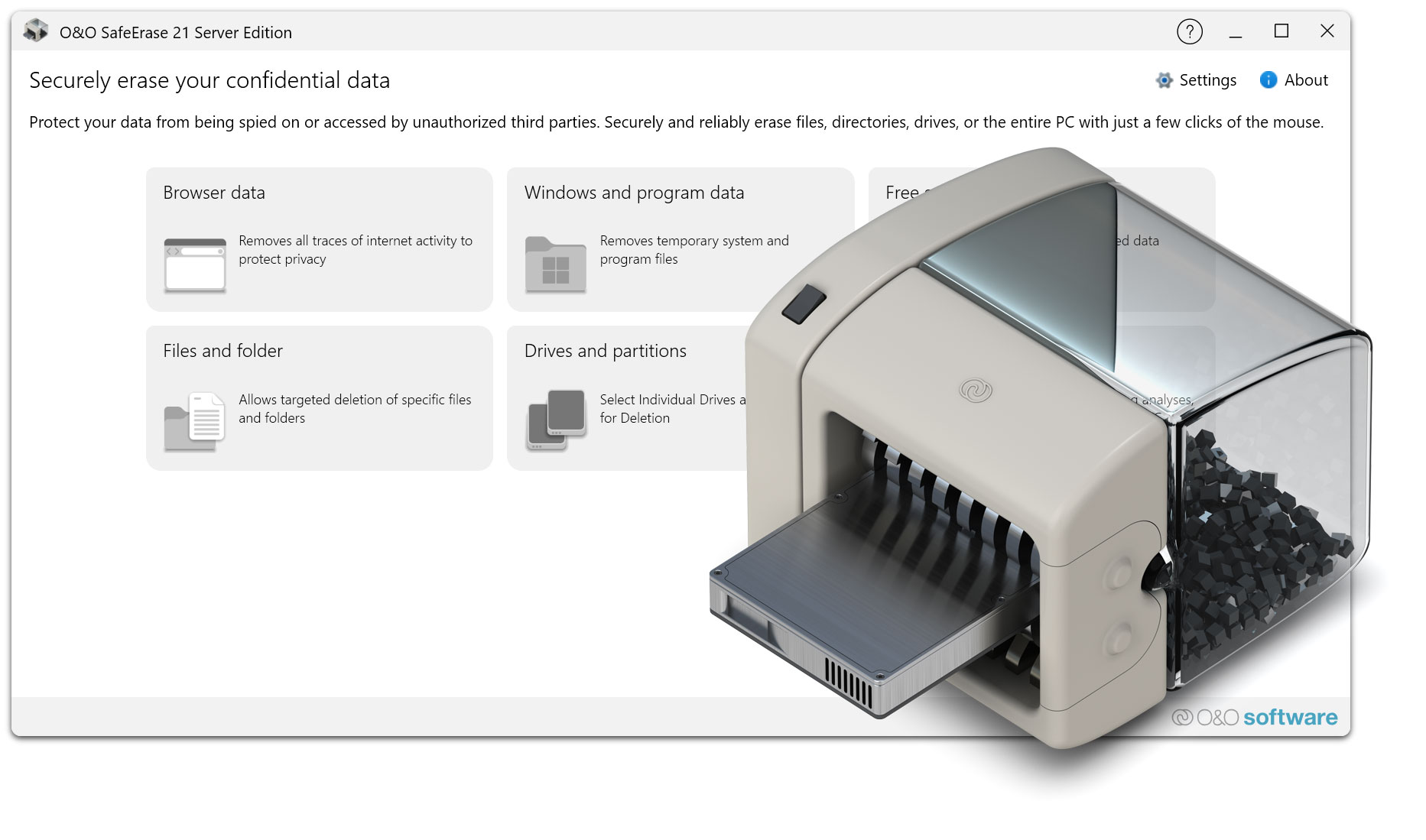
O&O SafeErase Server Edition has been developed for professional use on Windows Server systems. It is suitable for current Windows Server versions as well as compatible Windows client systems in corporate environments, depending on the respective license and edition.
2. What is O&O SafeErase Server Edition typically used for?
O&O SafeErase Server Edition is used to permanently delete sensitive data on servers and workstations. Typical use cases include hardware replacement, server retirement, return of leased equipment, disposal of storage media, or preparing systems for resale and transfer.
3. Isn’t formatting a hard drive sufficient?
No. Formatting generally only removes the file system structure, while much of the data physically remains on the storage medium. With suitable recovery software, this data can often be reconstructed. O&O SafeErase uses recognized deletion methods to ensure that data cannot be recovered.
4. Can O&O SafeErase also securely erase SSDs?
Yes. O&O SafeErase automatically detects SSDs and performs deletion processes in a resource-efficient and optimized manner. This makes the software suitable for both traditional hard drives and modern SSD systems in server environments.
5. Can I delete entire drives or partitions?
Yes. O&O SafeErase enables not only the secure deletion of individual files and folders, but also the complete erasure of entire partitions and storage devices. This is particularly important when decommissioning or transferring servers.
6. Can O&O SafeErase securely clean free disk space?
Yes. By cleaning free disk space, residual data left behind by previously deleted files can be removed. This reliably prevents the potential recovery of old data.
7. Can I use O&O SafeErase without installation?
Yes. O&O SafeErase provides a boot medium based on Windows PE. This allows deletion processes to be performed without installing the program on a running Windows system. This is particularly helpful if the system no longer starts or if system drives need to be erased.
8. Is using a boot medium more secure?
In many cases, yes. The boot medium enables offline deletion without running services or background processes. This prevents files from being locked or deletion processes from being influenced by active system processes.
9. Does O&O SafeErase Server Edition support automation or scripts?
Yes. In addition to the graphical user interface, a command-line version is available. This can be integrated into scripts to automate deletion processes and incorporate them into IT workflows or standardized procedures.
10. Can O&O SafeErase Server Edition be used in larger IT environments?
Yes. O&O SafeErase Server Edition is specifically designed for professional use in enterprises. Thanks to standardized deletion methods, automation options, and reporting features, the software is also suitable for larger server and workstation environments.
11. Are reports generated for deletion processes?
Yes. O&O SafeErase creates detailed reports of completed deletion processes. These can be used as proof for internal documentation, audits, and compliance requirements.
12. Does O&O SafeErase Server Edition support data protection and compliance requirements such as GDPR?
O&O SafeErase helps organizations permanently remove data and document deletion processes in a traceable manner. This is an important component of data protection-compliant processes, especially during hardware replacement, return, or disposal.
13. Can O&O SafeErase delete system data or an entire system?
Yes. With the appropriate functions, entire storage devices and systems can be securely erased. This is particularly important for servers that are being decommissioned or transferred.
14. Can the use of O&O SafeErase be reversed?
No. Secure data deletion is intentionally permanent. Once overwritten, data can no longer be recovered. Therefore, it is recommended to ensure that no required data remains on the storage device before starting the deletion process.
15. Does O&O SafeErase Server Edition require an internet connection?
No internet connection is required to perform deletion processes. A connection may only be helpful for updates, downloads, or support information.
16. Is O&O SafeErase Server Edition also suitable for service providers?
Yes. There are editions available specifically designed for use as a service. These allow deletion processes to be carried out professionally as part of external customer projects or IT services.
17. What data can I delete with O&O SafeErase?
O&O SafeErase can securely delete files, folders, entire partitions, complete storage devices, and free disk space. Additionally, depending on the system configuration, typical system and usage traces can also be removed.
18. How can I contact O&O Support?
 30-day money back guarantee