
• Backup & transfer data
      • O&O DiskImage Professional data backup for your PCs
      • Rescue data & systems
      • O&O DiskRecovery Professional data recovery made easy
      • O&O BlueCon Disaster recovery when a pc or server no longer starts
      • PC Migration Windows 11
      • Migration Kit for Windows 11 The Easy PC Migration
      • Optimize systems
      • O&O Defrag Speed up your Windows PC
      • O&O DiskCommander Disk Analysis & Backup Testing
      • Cloud solutions
      • O&O Syspectr Free IT management solution from the cloud
      • O&O FileDirect Send files. Easily. Securely.
      • Protect data & systems
      • O&O SafeErase Secure data deletion
      • Freeware
      • O&O ShutUp10++ Antispy tool for Windows 10 and 11
      • O&O RegEditor Editing the Windows Registry
      • O&O AppBuster Bust Apps you do not want
      • O&O Lanytix Quick and easy Network Analysis in the LAN
      • O&O DeskInfo All important system information directly on the desktop
      • NEW: O&O ToolBox Our top products in
        a package at a special price!
      • View all products Discover all our tools for Windows
      • Downloads Get installation and portable applications
      • O&O Blog Stay up-to-date with our blog
      • Corporate Solutions Benefits for your company
      • Protect Enterprise Data
      • O&O DiskImage Backup solution for your business
      • O&O DiskImage Enterprise Data backup and system recovery at industrial levels
      • Productivity Boost
      • O&O Defrag Maximum performance for your Windows servers and PCs
      • Enterprise-Wide Data Recovery
      • O&O DiskRecovery Professional data recovery at the push of a button
      • O&O BlueCon The recovery system when a computer or server no longer starts
      • Protect Your Enterprise Data
      • O&O SafeErase Secure data deletion for critical business data
      • Freeware
      • O&O ShutUp10++ Compliance use of Windows in businesses
      • Your IT Management in the Cloud
      • O&O Syspectr Remote Monitoring and Management for Windows
      • O&O Blog Stay up-to-date with our blog
      • O&O PowerPack Enterprise The complete solution for your servers and PCs at a bargain price!
    • View all products >>>
      • Ressources
      • Documentation Documents related to O&O products
      • User's guides online Read manuals online
      • Downloads Download archive
      • Whitepapers Studies and whitepapers
      • FAQ Frequently asked questions
      • First aid First aid in the event of data loss
      • Get support
      • Overview Our service offers
      • Registration Register your O&O product
      • Trial users Support for trial users
      • Registered customers Support for registered customers
      • License recovery Resend your O&O license
      • Partner
      • O&O Partner Program Your advantages as an O&O Partner
      • O&O Partners Authorized O&O Partners in your region
      • Company
      • About us Leading manufacturer of system tools
      • Product releases List release dates and versions
      • The O&O Group Made in Berlin. Made in Germany.
      • Team Our management team
      • Contact us How to contact O&O
    • Contact
    • Newsletter

Business Private Partners

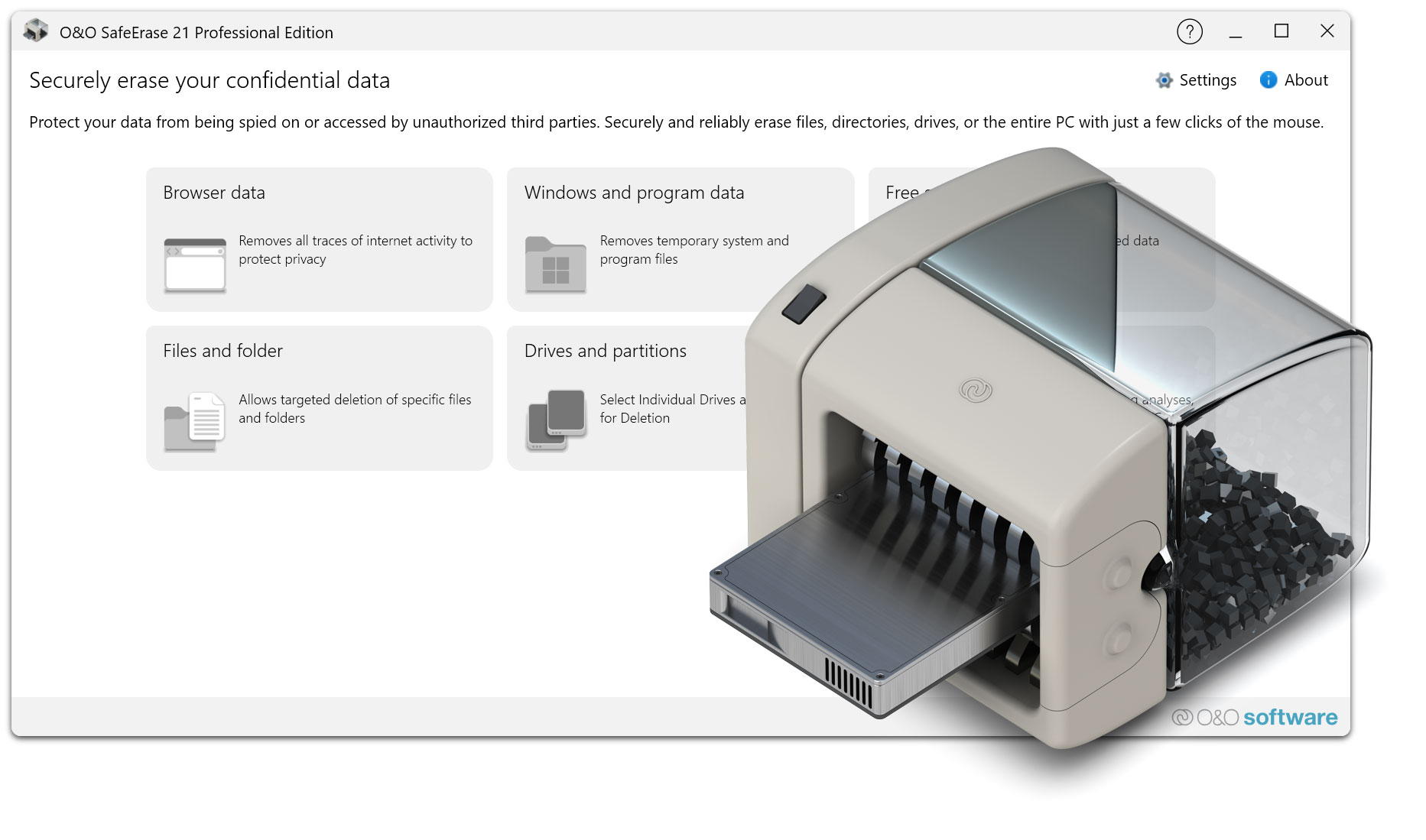
O&O SafeErase 21

Protect your privacy from data spies

now 29,90 €

Buy Now
Try for free
30-day money back guarantee
O&O SafeErase 21 - Protect your privacy from data spies
Windows 10 Windows 11
Do you want to use this product in your company? Find out more here.
  • Overview
  • Features
  • Screenshots
  • Support
  • What’s New
  • Upgrade
  • Buy Now

Changes in the respective versions of O&O SafeErase (Changelog)

Version 21

21.1 – released on 03/10/2026

Added

  • New SolidErase option for SSDs that automatically applies an SSD-optimized deletion method.
  • File and folder names are randomized before secure deletion to remove metadata traces.
  • Improved accessibility support for screen readers and UI automation.

Changed

  • Browser cleanup now respects the user’s browser selection.

Fixed

  • Context menu registration corrected on Windows 10.
  • Crash when securely deleting files via the Recycle Bin context menu resolved.
  • Improved SSD detection.

21.0 – released on 02/24/2026

Added

  • New native shell extension for the SafeErase context menu in Windows Explorer.
  • Localized context menu entries according to the Windows display language.
  • RiskInfo panel with rotating data-security tips in the analysis view.
  • Search and filter functionality for deletion reports.

Changed

  • Drive enumeration now uses native Windows APIs.
  • Improved stability of the analysis page.

Fixed

  • UI freezes during analysis removed.
  • Progress-bar calculation corrected.
  • Improved Firefox profile detection.

Security

  • Deleting the active Windows system volume during a running Windows session is now prevented.

Version 20

20.0 – released on 01/28/2025

Added

  • Enhanced Fortress Mode with additional driver and network configuration support.
  • Direct integration into the native Windows 11 context menu.
  • Automatic updates for browser cleanup definitions.
  • Enhanced deletion reports for GDPR and compliance audits.

Changed

  • Modernized user interface and navigation.
  • Improved deletion performance on NVMe and large HDD drives.

Fixed

  • Context menu registration issues on Windows 10 resolved.
  • Free-space byte calculation corrected for large volumes.

Version 19

19.0 – released on 06/04/2024

Added

  • New Fortress Mode providing an isolated environment for secure deletion.
  • Completely redesigned graphical user interface with adaptive window layout.
  • Application can be launched as user or system account.
  • New Tech Edition for IT professionals and service providers.

Changed

  • TotalErase algorithm revised for improved reliability.
  • Updated browser cleanup support.

Removed

  • Windows 7 support removed.

Fixed

  • Deletion issues caused by locked files from background processes resolved.
  • High-DPI rendering issues corrected.

Version 18

18.0 – released on 01/24/2023

Added

  • New tile-based user interface layout.
  • Scheduled secure-deletion jobs.
  • Detailed HTML and XML deletion reports.
  • Context-menu entry to securely wipe free disk space.

Changed

  • Improved SolidErase algorithm for SSD drives.
  • Updated browser cleanup definitions.

Fixed

  • Crash when dragging certain folder structures onto the application.
  • Incomplete browser cache cleanup resolved.

Version 17

17.0 – released on 01/25/2022

Added

  • Full Windows 11 support.
  • Improved browser data cleanup for Chrome, Firefox and Edge.
  • Enhanced insecure-deletion analysis scan.
  • New Server and Admin editions.

Changed

  • User interface navigation and icons revised.
  • Windows Explorer context menu adapted for Windows 11.

Fixed

  • ClusterView display issues at high scaling levels resolved.
  • Improved SolidErase detection for NVMe drives.

Version 16

16.0 – released on 01/26/2021

Added

  • ClusterView visualization for deletion progress.
  • SolidErase method for SSD drives.
  • TotalErase to wipe an entire system without boot media.
  • Support for Chromium-based Microsoft Edge.

Changed

  • Modernized user interface.
  • Faster application startup.

Fixed

  • Windows Explorer context menu registration issues resolved.
  • Improved detection of browser data.
About us Newsletter For Partners Contact
Our Products Order Downloads Protecting Your Security - Securing Your Privacy
Support FAQ Platform Status News & Releases
Social Commitment Press Releases O&O Labs The O&O Group
© 1997-2026 O&O Software GmbH, Berlin
Privacy Policy Terms & Conditions EULA Cancel subscriptions Imprint