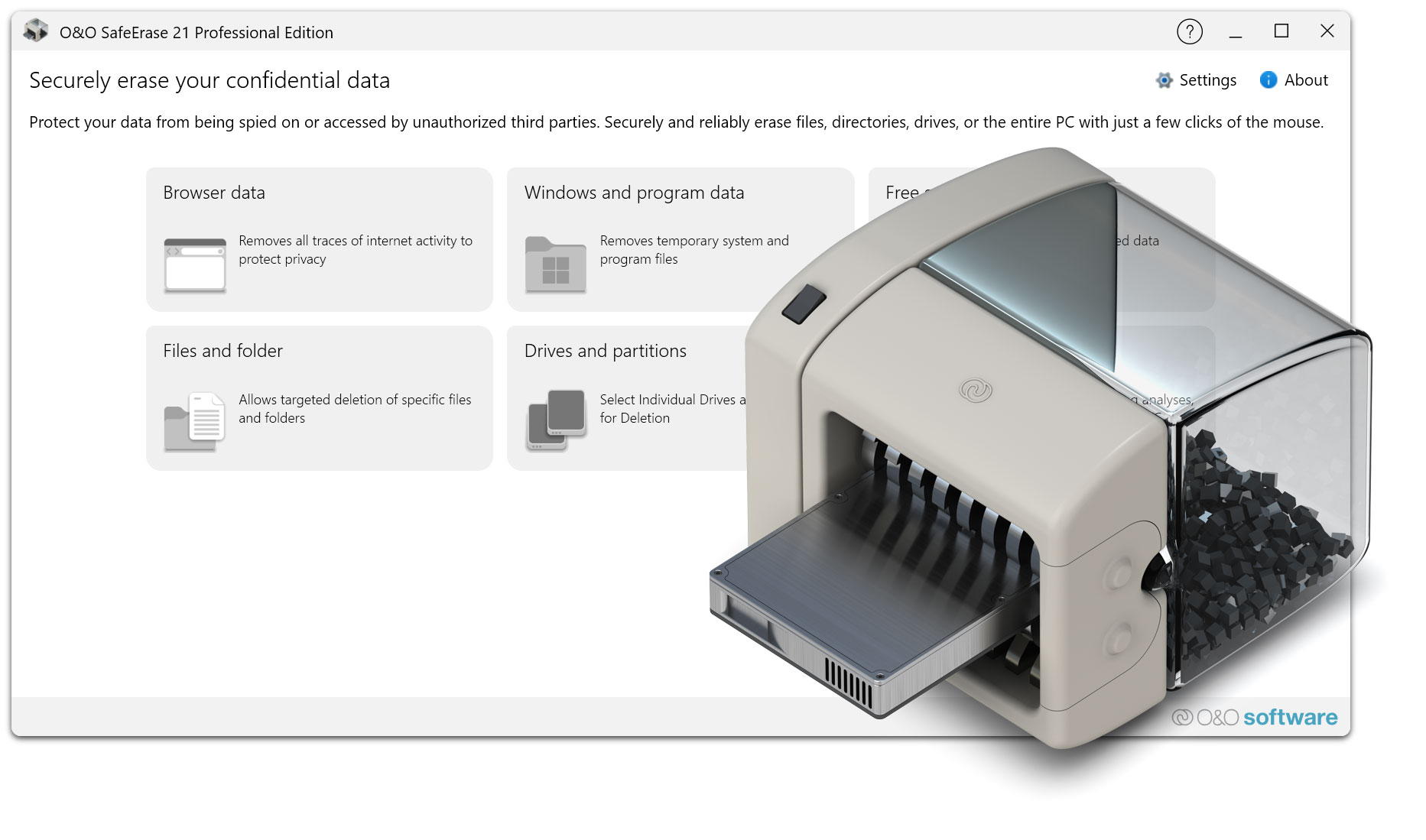
Here you will find a collection of helpful documents and tips on the use of O&O SafeErase. The content provided will help you to better understand secure and irrevocable data deletion, select suitable deletion methods and configure O&O SafeErase optimally for different application scenarios. Whether technical background on certified erasure procedures, practical instructions or best practices for the secure deletion of HDDs, SSDs and external data carriers – the following materials offer you a well-founded orientation for the responsible handling of sensitive data.
1. In which languages is O&O SafeErase available?
O&O SafeErase is currently available in German and English.
2. Why is my software version no longer on the website? Is it possible to get an update of the product?
O&O SafeErase is the latest generation of our software for securely deleting files, folders and entire partitions. Please visit the O&O SafeErase
product pages to learn more about downloads and upgrade options.
3. I use O&O SafeErase. How can I contact O&O technical support?
O&O Software offers customers technical support to answer their questions and ensure maximum customer satisfaction. Home users receive support via email. Enterprise customers receive additional telephone support as well as optional on-site support as part of a maintenance contract.
Please note: O&O also offers on-site support for corporate customers for inquiries relating to the company-wide use of products. Therefore, do not hesitate to send us your inquiries and requests.
Registered User Support (Customer Support): https://www.oo-software.com/en/support/csupport/
Support for trial and freeware versions: https://www.oo-software.com/en/support/tsupport/
4. My computer has finished the deletion process. Is the data now securely deleted?
Yes. O&O SafeErase permanently deletes the selected files, folders or partitions, depending on the deletion method chosen. In addition, reports/logs can be generated so that you can understand which data has been successfully securely deleted.
5. What is the difference between normal erase and “safe erase”?
During normal deletion, Windows usually only removes the reference in the file system. The data remains physically on the disk until it is overwritten – and can often be reconstructed with recovery software. With secure deletion, the data is deliberately overwritten and thus made permanently unreadable.
6. How can I find out if my hard drive contains supposedly deleted data?
On many disks, recoverable data is located in areas that are shown as “free space”. To check whether deleted files can still be recovered, you can download a trial version of our
recovery program O&O DiskRecovery. The trial version allows you to search for recoverable data for free; These can then be restored with a full version.
7. How can I delete all the data left behind in the “free disk space”?
Select the desired partition and use the function “Secure deletion of free disk space” in the context menu. In the process, the free space is overwritten, so that deleted files and leftovers are irrevocably destroyed.
8. My deletion process takes a very long time. Is that normal?
Yes. Secure deletion requires data to be completely overwritten. Depending on the data carrier speed, data volume and security level, this can take a few minutes to several hours. Multiple runs (e.g. particularly high security levels) extend the duration accordingly.
9. What do I need O&O SafeErase for?
O&O SafeErase is the solution for reliably and permanently removing sensitive data – for example, before selling, passing on or disposing of PCs and data carriers. This will protect your privacy and prevent third parties from reconstructing deleted files using recovery software.
10. Is O&O SafeErase safe to use?
Yes. O&O SafeErase performs secure deletion processes via the interfaces provided by Windows. The deletion process is therefore just as reliable in the application as everyday write processes under Windows – with the crucial difference that the data is overwritten in a targeted manner and according to defined standards.
11. Who is O&O SafeErase suitable for?
O&O SafeErase is suitable for both private users and companies. It is ideal when sensitive data (e.g. personal documents, customer data, project files) needs to be permanently deleted – especially before hardware replacement, device handover or disposal.
12. Do you offer licenses for administrators or technicians?
13. Why should O&O SafeErase be used instead of a competitor’s product?
O&O SafeErase combines ease of use with professional, recognised erasure standards. You select the data – and O&O SafeErase overwrites it according to the selected security level. This makes O&O SafeErase suitable for everyday use as well as for higher data protection requirements. The secure deletion of complete data carriers also helps to reliably clean devices before they are sold or disposed of.
14. Which hard drives and data carriers does O&O SafeErase support?
O&O SafeErase supports all data carriers that are recognized and supported by Windows. There are no restrictions on the size or number of partitions. If a disk is displayed in Windows Disk Management and is formatted with a file system supported by Windows, O&O SafeErase can securely delete data on it. In the case of complete deletions, unformatted areas can also be taken into account.
15. Can I also securely erase SSDs?
Yes. O&O SafeErase also supports SSDs. Depending on the drive and the technology used, procedures may differ, as SSDs work differently internally than classic hard drives (e.g. wear-leveling). Therefore, choose the appropriate method according to the recommendations in O&O SafeErase.
16. Do I need to uninstall an older version before installing a new version?
Yes, please uninstall your installation of the previous version and then install the new version.
17. What versions of Windows is the latest version of O&O SafeErase compatible with?
O&O SafeErase Professional and Workstation Edition can be used on 11 and 10. O&O SafeErase Server Edition can be used on 11, 10, Server 2016, Server 2019 and Server 2022.
Note: Please make sure that the drivers of the storage devices required by the operating system are up to date. If in doubt, please carry out a driver update.
Note for Windows 7 users: If you want to use O&O SafeErase 14 Professional on Windows 7, please download the following version:
Download 32-bit or
Download 64-bit.
18. I thought files would be deleted irretrievably when I emptied the Windows Recycle Bin?
No. Emptying the Recycle Bin removes files from view, but the data can often still be recovered as long as the corresponding storage areas have not been overwritten. With standard software such as O&O DiskRecovery, such data can often be found again. If you want to test whether your hard drive still contains supposedly deleted data, use the trial version of O&O DiskRecovery and perform a data search.
19. Is it true that safely deleted files cannot be recovered?
Yes. Data that has been securely deleted with O&O SafeErase cannot be recovered. Depending on the deletion method chosen, the relevant areas are overwritten several times according to defined rules. Therefore, please make sure that the data is actually to be permanently deleted before starting.
20. Why is it not enough to format a hard drive?
Formatting usually only removes the file system structures (“table of contents”). The data itself can often still be reconstructed. In order to prevent recovery, a secure overwriting of the data is required – this is exactly what O&O SafeErase was developed for.
21. Why should I overwrite data more than once?
A one-time overwrite usually prevents recovery with common software tools. Higher security levels with multiple overwrites further enhance security and are particularly suitable for sensitive data and stricter policies. The security level that makes sense depends on your requirements and the respective data carrier.
22. How long does it take to delete a file?
This depends on the file size, the selected deletion method and the speed of the disk. As a rule of thumb, a simple deletion cycle takes about as long as copying the file within the same partition. Multiple runs extend the duration accordingly.
23. What is the difference between O&O SafeErase Professional and O&O SafeErase Server Edition?
O&O SafeErase is available in the following editions:
- O&O SafeErase Professional Edition
- O&O SafeErase Server Edition
The Professional Edition is designed for desktop operating systems. The Server Edition is optimized for use on server operating systems and can also be used on desktop systems.
1. Who is my contractual partner – cleverbridge AG or O&O Software GmbH?
Your contractual partner for questions relating to payments, payment methods and processes is cleverbridge AG. Your contractual partner for all matters relating to the software itself (also from a technical point of view) is O&O Software GmbH.
2. Until what date can a subscription be cancelled and is there a refund?
Refunds are only possible within the first 30 days. A subscription can be cancelled at the end of the subscription year (for annual subscriptions). Refunds after 30 days are not possible.
3. How do I cancel my subscription?
You cancel your subscription to O&O Software GmbH either by e-mail to sales@oo-software.com or by fax at 0049 30 991 9162 99. In addition, you will receive emails from cleverbridge about subscription payments and may also be able to manage your subscription via these emails.
4. Can a subscription be paid for by bank transfer?
Yes, as long as this payment method is offered at the checkout. The available payment methods will be displayed during the checkout process.
5. When will I be notified of the expiry of the subscription?
You will usually receive an email before the subscription expires with information about the renewal time and the price of the renewal.
 30-day money back guarantee