• Backup & transfer data
      • O&O DiskImage Professional data backup for your PCs
      • Rescue data & systems
      • O&O DiskRecovery Professional data recovery made easy
      • O&O BlueCon Disaster recovery when a pc or server no longer starts
      • PC Migration Windows 11
      • Migration Kit for Windows 11 The Easy PC Migration
      • Optimize systems
      • O&O Defrag Speed up your Windows PC
      • O&O DiskCommander Disk Analysis & Backup Testing
      • Cloud solutions
      • O&O Syspectr Free IT management solution from the cloud
      • O&O FileDirect Send files. Easily. Securely.
      • Protect data & systems
      • O&O SafeErase Secure data deletion
      • Freeware
      • O&O ShutUp10++ Antispy tool for Windows 10 and 11
      • O&O RegEditor Editing the Windows Registry
      • O&O AppBuster Bust Apps you do not want
      • O&O Lanytix Quick and easy Network Analysis in the LAN
      • O&O DeskInfo All important system information directly on the desktop
      • NEW: O&O ToolBox Our top products in
        a package at a special price!
      • View all products Discover all our tools for Windows
      • Downloads Get installation and portable applications
      • O&O Blog Stay up-to-date with our blog
      • Corporate Solutions Benefits for your company
      • BACK UP & RESTORE DATA
      • Create PC backup
      • Restore system
      • Automatic data backup
      • O&O DiskImage Enterprise Backup and system recovery at enterprise level
      • RESCUE DATA & SYSTEMS
      • Recover deleted files
      • Rescue data after system crash
      • Repair non-booting PCs
      • IT-MANAGEMENT & MONITORING
      • Monitor PCs and servers remotely
      • Manage Windows devices centrally
      • Automate IT system management
      • ANALYZE & OPTIMIZE SYSTEMS
      • Analyze drives and data
      • Improve system performance
      • Optimize Windows
      • DATA PROTECTION & SECURE DELETION
      • Securely delete data
      • Configure Windows privacy
      • Control Windows telemetry
      • TRANSFER DATA & MIGRATE PC
      • Migrate PC to a new computer
      • Transfer files securely
      • Share data between devices
      • View all solutions Discover all our solutions for Windows
      • O&O Blog Stay up-to-date with our blog
      • O&O PowerPack Enterprise The complete solution for your servers and PCs at a bargain price!
      • Ressources
      • Documentation Documents related to O&O products
      • User's guides online Read manuals online
      • Downloads Download archive
      • Whitepapers Studies and whitepapers
      • FAQ Frequently asked questions
      • First aid First aid in the event of data loss
      • Get support
      • Overview Our service offers
      • Registration Register your O&O product
      • Trial users Support for trial users
      • Registered customers Support for registered customers
      • License recovery Resend your O&O license
      • Partner
      • O&O Partner Program Your advantages as an O&O Partner
      • O&O Partners Authorized O&O Partners in your region
      • Company
      • About us Leading manufacturer of system tools
      • Product releases List release dates and versions
      • The O&O Group Made in Berlin. Made in Germany.
      • Team Our management team
      • Contact us How to contact O&O
    • Contact
    • Newsletter

Business Private Partners

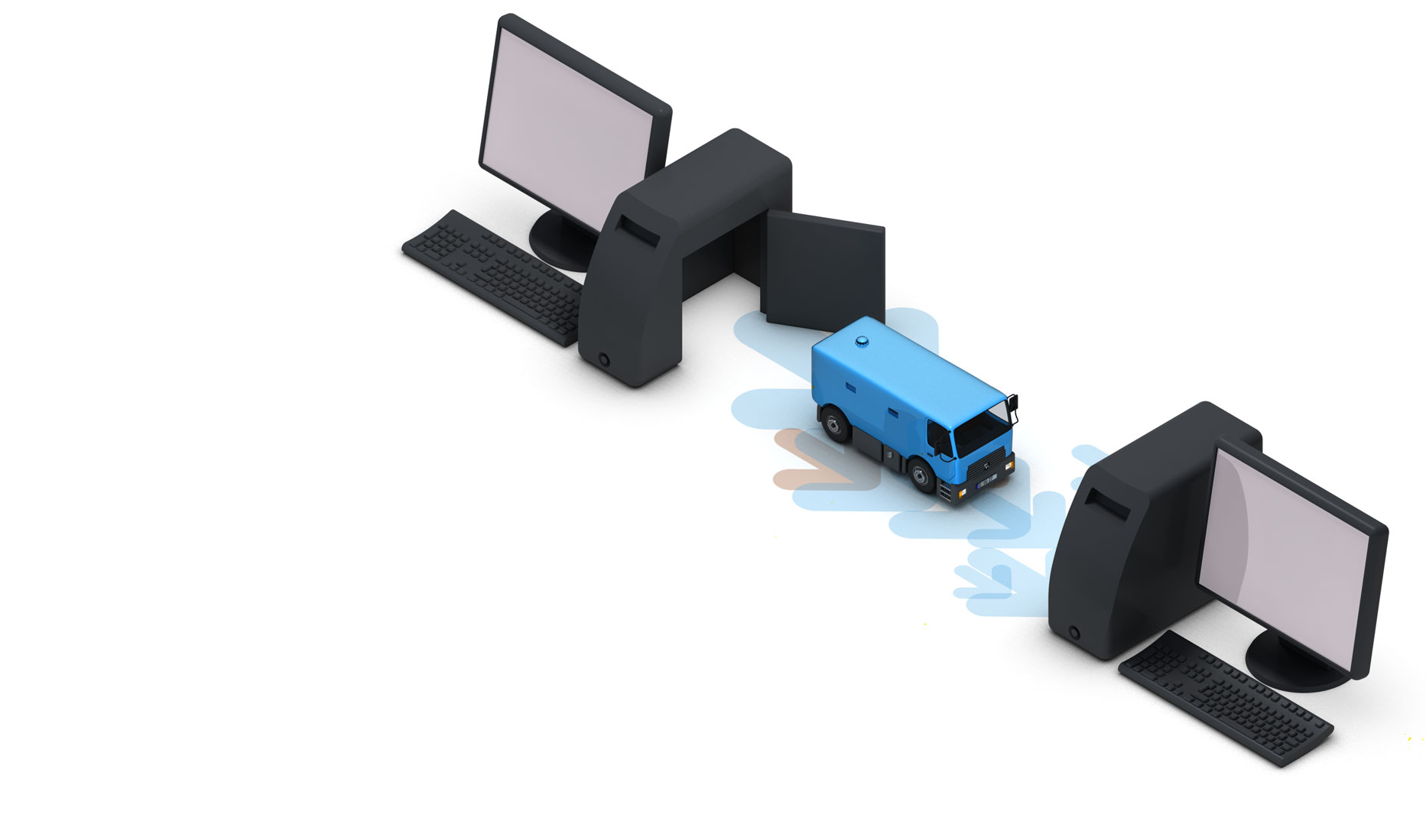
Moving Assistance for Windows 11

The easy PC move

from 69.95 USD

Buy Now
30-day money back guarantee
Moving Assistance for Windows 11 - The easy PC move
Do you want to set up and manage your new PC optimally? Discover the O&O ToolBox. Learn more here.
  • Overview
  • Features
  • Support
  • Buy Now

O&O Umzugshilfe für Windows 11 FAQ

1. What does the O&O Migration Assistant for Windows 11 do?
The O&O Migration Assistant helps you transfer your data, settings and selected applications from your old PC to your new Windows 11 system quickly and securely. It guides you step by step through the entire process.
2. Which data can be transferred?
You can transfer documents, pictures, videos, user profiles and many system settings. Depending on the configuration, selected applications and personal settings can also be migrated.
3. Can I choose which data is transferred?
Yes. You can decide whether you want to transfer the entire system, specific user profiles or only selected files and folders.
4. How is the data transferred to the new PC?
The transfer can be performed via network connection (LAN or Wi-Fi) or by using external storage devices such as USB drives or external hard disks.
5. Is the transfer secure?
Yes. The O&O Migration Assistant uses secure transfer methods to protect your data during the migration process.
6. Do I need to install the software on both PCs?
Yes. For a direct transfer, the O&O Migration Assistant should be installed on both the old and the new PC to ensure a smooth and reliable connection.
7. Can I use the tool if my old PC is not running Windows 11?
Yes. The Migration Assistant supports transfers from older Windows versions to Windows 11, depending on system compatibility.
8. What happens to my data on the old PC?
Your data remains unchanged on the old PC after the transfer. If you plan to sell or give away the device, we recommend securely deleting your data using a tool such as O&O SafeErase.
9. Can I create a backup before the migration?
Yes. It is recommended to create a full backup before starting the migration. You can use O&O DiskImage for this purpose.
10. How long does the migration take?
The duration depends on the amount of data, the transfer method and the system performance. Smaller transfers may take only minutes, while larger migrations can take several hours.
11. Will my programs work on the new PC?
Many applications can be transferred, but compatibility depends on the software and the new system. In some cases, reinstallation may be required.
12. Do I need technical knowledge to use the Migration Assistant?
No. The assistant provides a guided, step-by-step process that makes it easy to use even for less experienced users.
13. What should I do after the migration?
After the migration, you can optimize your new PC for best performance. Tools like O&O Defrag or the O&O ToolBox can help you maintain and improve your system.
14. Which Windows versions are supported?
The O&O Migration Assistant is designed for Windows 11 and supports migration from compatible earlier Windows versions. Please refer to the system requirements for detailed information.
15. Who is the O&O Migration Assistant suitable for?
The tool is suitable for both home users and businesses that want to transfer data and settings quickly and securely to a new Windows 11 system.

About us Newsletter For Partners Contact
Our Products Order Downloads Protecting Your Security - Securing Your Privacy
Support FAQ Platform Status News & Releases
Social Commitment Press Releases O&O Labs The O&O Group
© 1997-2026 O&O Software GmbH, Berlin
Privacy Policy Terms & Conditions EULA Cancel subscriptions Imprint