• Sauvegarde et transfert de donnĂ©es
      • O&O DiskImage sauvegarde des donnĂ©es professionnelles pour vos PC
      • DonnĂ©es et systèmes de sauvetage
      • O&O DiskRecovery RĂ©cupĂ©ration de donnĂ©es en toute simplicitĂ©
      • O&O BlueCon Disaster Recovery pour votre entreprise
      • Passer Ă  Windows 11
      • Migration Kit for Windows 11 Le dĂ©placement facile du PC
      • Optimiser les systèmes
      • O&O Defrag AccĂ©lère votre PC Windows
      • O&O DiskCommander Analyse de disque et tests de sauvegarde
      • Solutions Cloud
      • O&O Syspectr Solution de gestion informatique gratuite depuis le cloud
      • O&O FileDirect Transfert de fichiers. Facile. SĂ©curisĂ©.
      • ProtĂ©ger les donnĂ©es et les systèmes
      • O&O SafeErase ArrĂŞtez le vol d'identitĂ© grâce Ă  la suppression sĂ©curisĂ©e des donnĂ©es
      • Logiciel gratuit
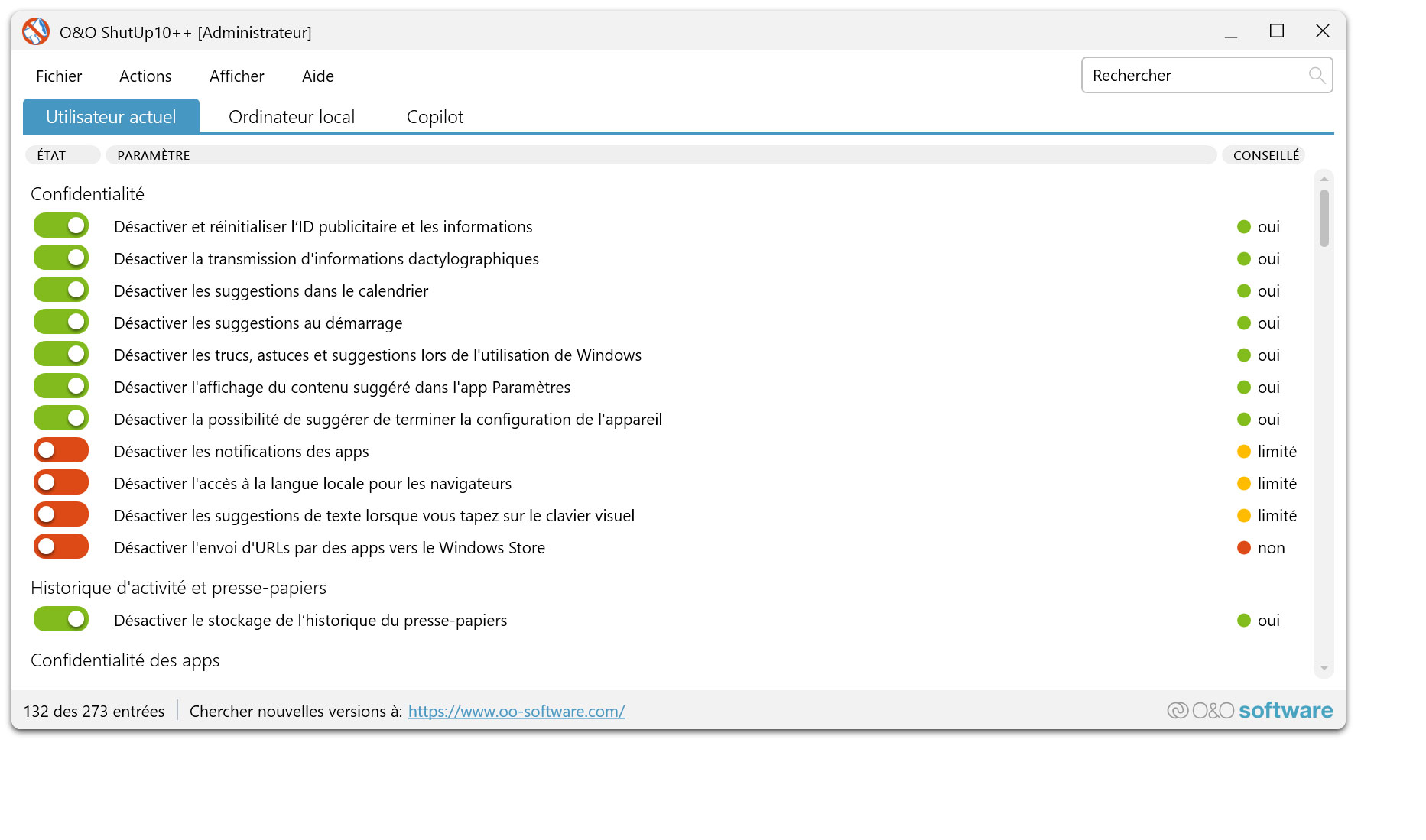
      • O&O ShutUp10++ Outil anti-espion pour Windows 10 et 11
      • O&O RegEditor Modification du registre Windows
      • O&O AppBuster Bust Apps que vous ne voulez pas
      • O&O Lanytix Analyse de rĂ©seau rapide et facile dans le LAN
      • O&O DeskInfo Tout important informations système directement sur le bureau
      • Nouveau : O&O ToolBox Nos meilleurs produits
        dans un pack pour un prix spécial
      • Voir tous les produits DĂ©couvrez tous nos outils pour Windows
      • Downloads Obtenez l'installation et les applications portables
      • O&O Blog Restez Ă  jour avec notre blog
      • Solutions d'entreprise Avantages pour votre entreprise
      • Protection des donnĂ©es de l'entreprise
      • O&O DiskImage Solution de sauvegarde pour votre entreprise
      • O&O DiskImage Enterprise Sauvegarde des donnĂ©es et rĂ©cupĂ©ration système Ă  des niveaux industriels
      • Augmentation de la productivitĂ©
      • O&O Defrag Performance maximale pour vos serveurs et PCs Windows
      • RĂ©cupĂ©ration des donnĂ©es Ă  l'Ă©chelle de l'entreprise
      • O&O DiskRecovery RĂ©cupĂ©ration professionnelle des donnĂ©es en un clic
      • O&O BlueCon Le système de rĂ©cupĂ©ration lorsqu'un ordinateur ou un serveur ne dĂ©marre plus
      • Protection des donnĂ©es de l'entreprise
      • O&O SafeErase Suppression sĂ©curisĂ©e des donnĂ©es critiques de l'entreprise
      • Freeware
      • O&O ShutUp10++ Utilisation conforme Ă  la protection des donnĂ©es de Windows dans l'entreprise
      • Votre gestion informatique dans le Cloud
      • O&O Syspectr Surveillance Ă  distance et gestion de Windows
      • O&O Blog Restez informĂ© avec notre blog
      • O&O PowerPack Enterprise La solution complète pour vos serveurs et PCs Ă  un prix avantageux !
    • Voir tous les produits >>>
      • Ressources
      • Documentation Documents relatifs aux produits O&O
      • Guides de l'utilisateur Lire les manuels en ligne
      • TĂ©lĂ©chargements TĂ©lĂ©charger l'archive
      • Papiers blanc Études et livres blancs
      • FAQ Questions frĂ©quemment posĂ©es
      • Premiers secours Premiers secours en cas de perte de donnĂ©es
      • Obtenir de l'aide
      • Aperçu Nos services
      • Inscription Enregistrez votre produit O&O
      • Utilisateurs d'essai Assistance pour les utilisateurs d'essai
      • Clients enregistrĂ©s Assistance pour les clients enregistrĂ©s
      • RĂ©cupĂ©ration de licence Renvoyez votre licence O&O
      • Partenaire
      • O&O Partner Program Vos avantages en tant que partenaire O&O
      • Partenaires O&O Partenaires O&O autorisĂ©s dans votre rĂ©gion
      • Compagnie
      • Ă€ propos de nous Fabricant leader d'outils système
      • Date de sortie du produit Liste des dates de sortie et des versionss
      • Le groupe O&O Made in Berlin. Made in Germany.
      • Équipe notre Équipe de direction
      • Contactez-nous Comment contacter O&O
    • Contact

Entreprises Privé Partenaires

O&O ShutUp10++

Anti-espionnage pour Windows 10 et 11 !
Téléchargez gratuitement

Logiciel gratuit

O&O ShutUp10++ - Anti-espionnage pour Windows 10 et 11 !
Windows 10 Windows 11
Vous cherchez une solution de sauvegarde ? Pour en savoir plus, cliquez ici.
  • RĂ©sumĂ©
  • FonctionnalitĂ©s
  • Captures d’écran
  • Soutien
  • Journal des modifications
  • TĂ©lĂ©charger

Data protection-compliant use of Windows in companies with O&O ShutUp10++

The use of Windows 10 and Windows 11 in companies places special demands on data protection. With the introduction of the General Data Protection Regulation (GDPR) in the European Union on May 25, 2018, these have not only been specified, but also significantly tightened.

In particular, this involves protecting the privacy of users both in their private and professional lives. Therefore, if software is used, it must also comply with the GDPR.

Contact our Sales Team

With Windows 10 and Windows 11, Microsoft offers a very modern operating system. This is also very strongly integrated with the Internet and offers, for example, seamless integration of Microsoft OneDrive, Microsoft’s cloud storage. To improve the user experience, however, a lot of information about the use of Windows itself is also sent to Microsoft. This so-called « Telemetry » is intended to help Microsoft with future decisions about new Windows functions.

At this point, the GDPR applies its principle of informal self-determination of the use of personal data. This means that users of software must be able to determine the transmission of information themselves. This becomes clear in everyday life when you visit a website and get the obligatory query about the use of cookies.

Microsoft offers a variety of setting options for this in Windows, but these are not only very scattered but also not always clearly recognizable. Indeed, some options are reserved exclusively for administrators, so that normal users cannot adjust any settings here.
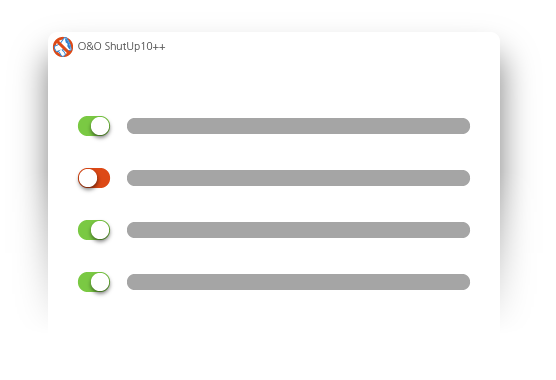
With O&O ShutUp10++, we offer our users a simple and central way not only to manage their settings, but also to monitor their status. This is crucial, as a Windows update can reset some settings to their original state, which in turn can lead to undesirable effects when information is transmitted.

O&O ShutUp10++ is a freeware that is used by millions of PC users worldwide every day. Since the first version of Windows 10, we have been following the changes and enhancements to Windows telemetry and therefore regularly publish updates for O&O ShutUp10++. With the release of Windows 11, we also support this new version as the successor to Windows 10.
Use in a Company

As freeware, O&O ShutUp10++ can also be used in companies free of charge. This gives every user the opportunity to make their own settings. However, many settings require administrative authorizations, which is not a problem for private users, but is usually not possible for corporate users.

We offer two solutions for this: O&O ShutUp10++ as an integrated solution in our IT management system O&O Syspectr, and O&O ShutUp10++ as an OEM application for large companies.

OEM application for large Companies

Larger companies and corporations can benefit from the OEM version of O&O ShutUp10++. We provide a special version that is divided into two components: the user interface (client) and a Windows service (server), both of which run locally on the machine.

This separation makes it possible for users to make administrative settings themselves, such as those required for Microsoft Edge, without requiring local administration rights.
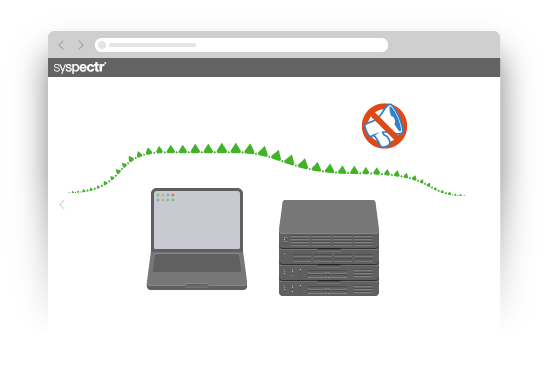
The clients can be configured and updated via a central directory share, which can be configured according to the needs of the company. In particular, the activation and deactivation of certain settings as well as the mandatory specification of necessary settings is also possible.
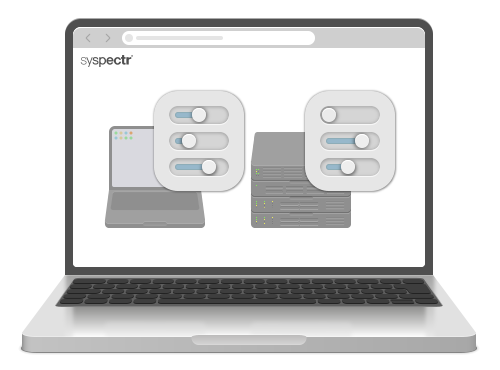
Integration in O&O Syspectr

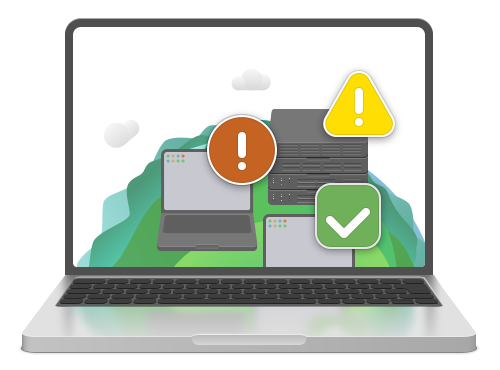
O&O Syspectr is a cloud-based IT management platform that was developed entirely by us in Germany and solely uses German data centers. Not only is it very easy to use and manage via any browser, it also does not require any additional infrastructure. You simply install the O&O Syspectr client once on the Windows computer and from then on everything will be configured automatically.

O&O ShutUp10++ is based on this system and can be purchased as an optional application. This enables administrators to manage all settings centrally and at the same time constantly monitor whether settings have changed.

In addition, the data protection settings can be documented and can be made available when it comes to compliance with company guidelines to the data protection officer or an employee representative.

Benefits

With our business solutions, you not only benefit from our many years of experience in the data protection-compliant use of Windows, you also get a tried and tested solution that has been used millions of times worldwide and relieves you of a lot of research and configuration work.

Select the variant that suits you best and ensure your company is compliant with Windows in accordance with the GDPR – at the touch of a button.

Please contact is for any further advice and information!

Contact our Sales Team

About us Blog For Partners Contact
Our Products Order Downloads Protecting Your Security - Securing Your Privacy
Support FAQ Platform Status News & Releases
Social Commitment Press Releases O&O Labs The O&O Group
© 1997-2026 O&O Software GmbH, Berlin
Privacy Policy Terms & Conditions EULA Cancel subscriptions Imprint