Basculer la navigationn
Produits
Sauvegarde et transfert de données
O&O DiskImage
sauvegarde des données professionnelles pour vos PC
O&O AutoBackup
Sauvegarde et synchronisation automatiques des données
Données et systèmes de sauvetage
O&O DiskRecovery
Récupération de données en toute simplicité
O&O BlueCon
Disaster Recovery pour votre entreprise
Optimiser les systèmes
O&O Defrag
Accélère votre PC Windows
O&O DiskCommander
Analyse de disque et tests de sauvegarde
Solutions Cloud
O&O Syspectr
Solution de gestion informatique gratuite depuis le cloud
O&O FileDirect
Transfert de fichiers. Facile. Sécurisé.
Protéger les données et les systèmes
O&O SafeErase
Arrêtez le vol d'identité grâce à la suppression sécurisée des données
Logiciel gratuit
O&O ShutUp10
Outil anti-espion pour Windows 10 et 11
O&O RegEditor
Modification du registre Windows
O&O AppBuster
Bust Apps que vous ne voulez pas
O&O Lanytix
Analyse de réseau rapide et facile dans le LAN
O&O DeskInfo
Tout important informations système directement sur le bureau
Nouveau : O&O ToolBox
Nos meilleurs produits
dans un pack pour un prix spécial
Voir tous les produits
Découvrez tous nos outils pour Windows
Downloads
Obtenez l'installation et les applications portables
O&O Blog
Restez à jour avec notre blog
Solutions d'entreprise
Avantages pour votre entreprise
Solutions
SAUVEGARDER & RESTAURER LES DONNÉES
Créer une sauvegarde du PC
Restaurer le système
Sauvegarde automatique des données
O&O DiskImage Enterprise
Sauvegarde et restauration système au niveau entreprise
SAUVER LES DONNÉES & SYSTÈMES
Récupérer des fichiers supprimés
Sauver les données après un crash système
Réparer les PC qui ne démarrent pas
IT-MANAGEMENT & MONITORING
Surveiller les PC et serveurs à distance
Gérer les appareils Windows centralement
Automatiser la gestion des systèmes IT
ANALYSER & OPTIMISER LES SYSTÈMES
Analyser les disques et les données
Améliorer les performances du système
Optimiser Windows
PROTECTION & EFFACEMENT SÉCURISÉ
Supprimer les données en toute sécurité
Configurer la confidentialité de Windows
Contrôler la télémétrie Windows
TRANSFÉRER LES DONNÉES & MIGRER UN PC
Transférer des fichiers en toute sécurité
Partager des données entre appareils
Voir toutes les solutions
Découvrez toutes nos solutions pour Windows
O&O Blog
Restez informé avec notre blog
O&O PowerPack Enterprise
La solution complète pour vos serveurs et PCs à un prix avantageux !
Support
Ressources
Documentation
Documents relatifs aux produits O&O
Guides de l'utilisateur
Lire les manuels en ligne
Téléchargements
Télécharger l'archive
Papiers blanc
Études et livres blancs
FAQ
Questions fréquemment posées
Premiers secours
Premiers secours en cas de perte de données
Obtenir de l'aide
Aperçu
Nos services
Inscription
Enregistrez votre produit O&O
Utilisateurs d'essai
Assistance pour les utilisateurs d'essai
Clients enregistrés
Assistance pour les clients enregistrés
Récupération de licence
Renvoyez votre licence O&O
Partenaire
O&O Partner Program
Vos avantages en tant que partenaire O&O
Partenaires O&O
Partenaires O&O autorisés dans votre région
Compagnie
À propos de nous
Fabricant leader d'outils système
Date de sortie du produit
Liste des dates de sortie et des versionss
Le groupe O&O
Made in Berlin. Made in Germany.
Équipe notre
Équipe de direction
Contactez-nous
Comment contacter O&O
Contact
Newsletter
Entreprises
Privé
Partenaires
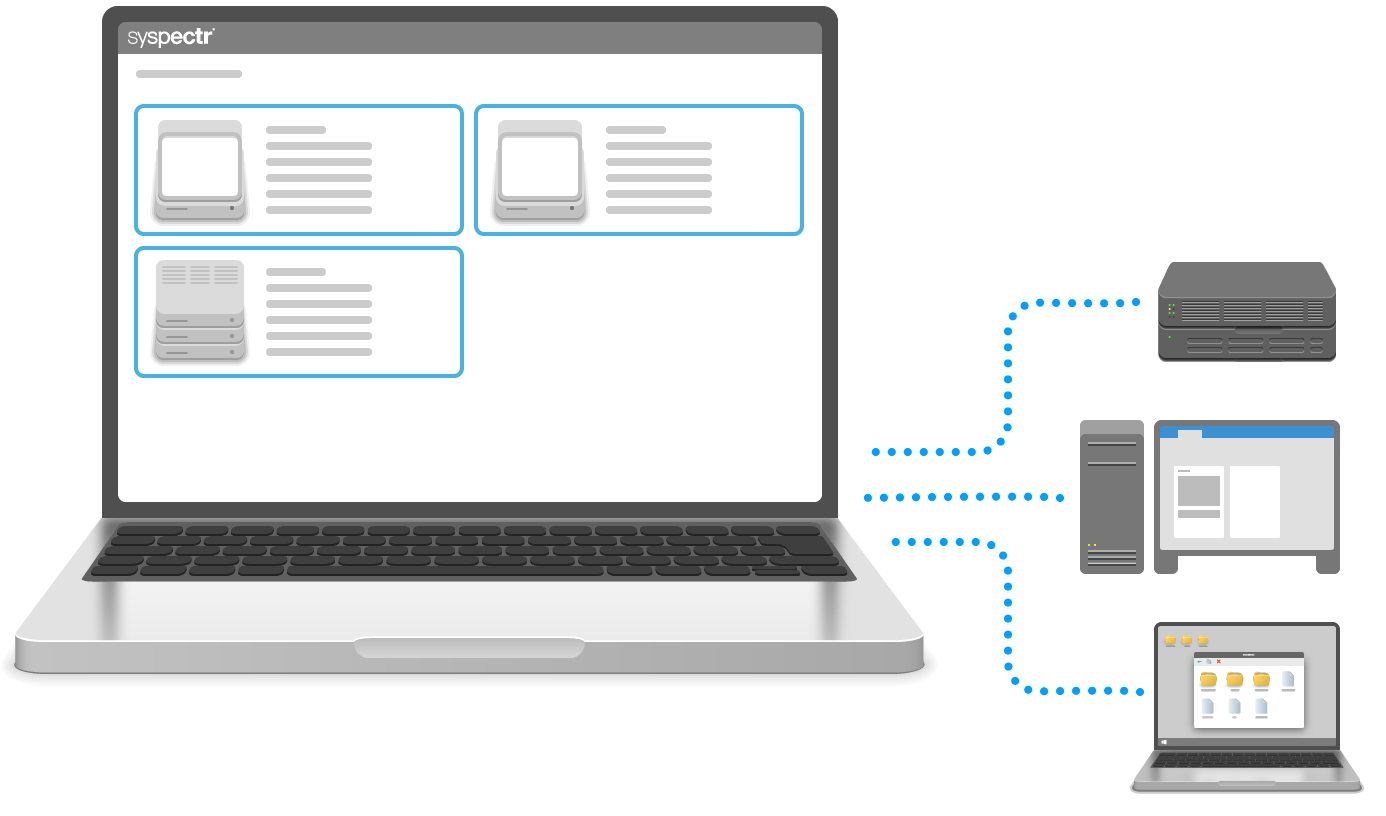
O&O Syspectr
Détecter les problèmes avant qu’ils ne causent de la douleur
Inscrivez-vous gratuitement
Avez-vous des exigences particulières ? Nous serons heureux de vous faire une
offre individuelle
.
Résumé
Cas d’utilisation
Fonctionnalités
Assistance
Quoi de neuf
Inscrivez-vous gratuitement
Changes in the respective versions of O&O Syspectr (Changelog)