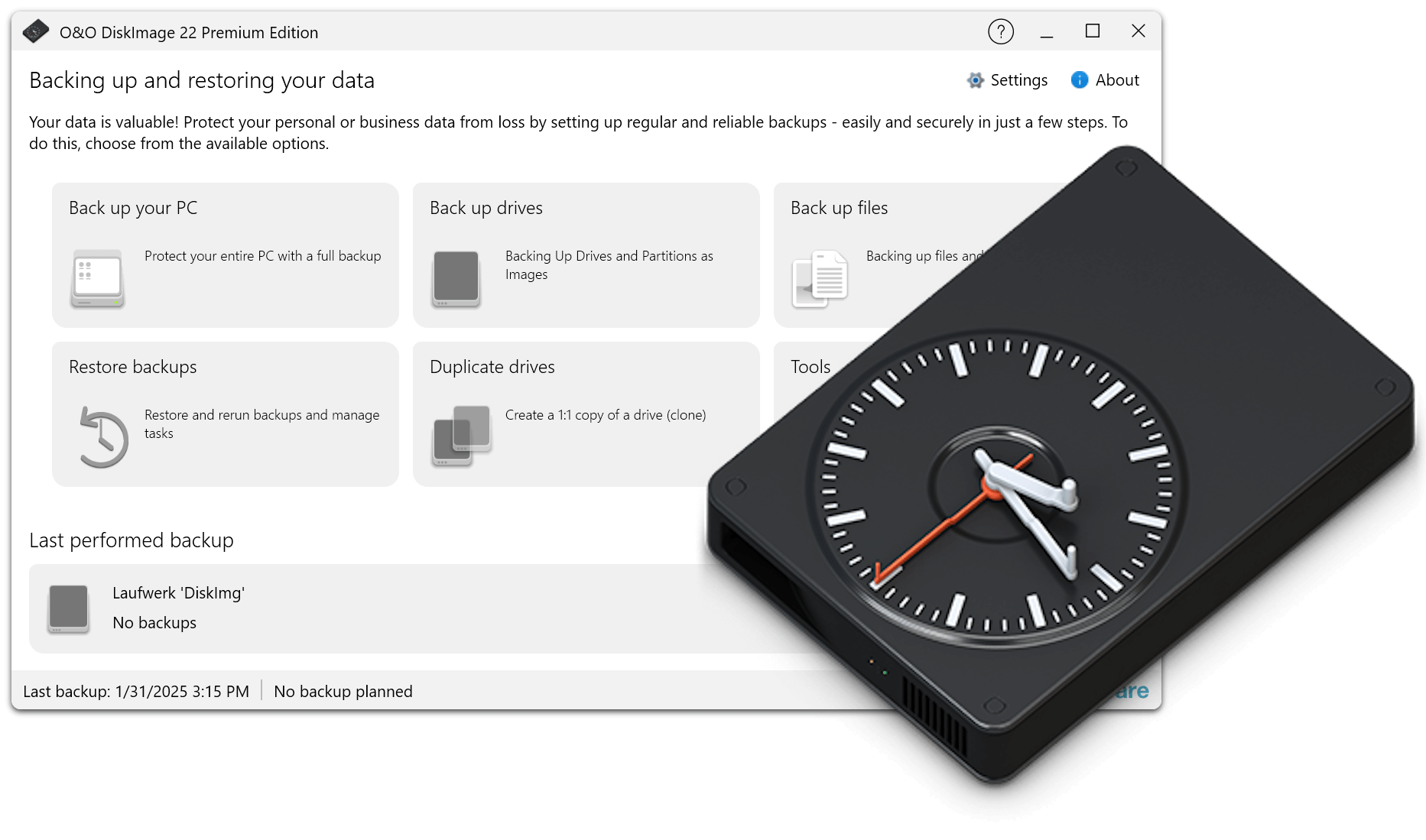
Here you will find a collection of helpful documents and tips on the use of O&O DiskImage 22. The content provided will help you better understand features and uses, deepen key data protection fundamentals, and learn best practices for different scenarios. Whether technical details, practical instructions or background knowledge on backup methods and data carriers – the following materials offer you a well-founded orientation for the secure handling of your data.
1. What is a backup?
A backup is a backup of your data or your entire system. With an up-to-date backup, you can fully restore important files, programs or even Windows in an emergency – for example, after a hard drive failure, virus attack or an operating error.
2. What is an image?
An image is an exact copy of a drive or partition. It contains not only files, but also the entire structure of the file system, installed programs and (in the case of system partitions) also Windows including settings. An image is ideal for quickly restoring complete systems.
3. What is the difference between file backup and image backup?
A file backup specifically stores individual folders or files, e.g. documents or photos. An image backup creates a complete image of a drive or system. Image backups are especially useful if you want to quickly restore Windows completely after a crash.
4. Why should I make regular backups?
Data loss can happen at any time – due to hardware defects, malware, ransomware, Windows updates, or accidental deletion. Regular backups are the only reliable way to quickly and completely reverse data loss.
5. How often should I perform backups?
It depends on how often your data changes. For many users, automatic daily or weekly backups make sense. In addition, a complete system backup at regular intervals is recommended so that you always have an up-to-date recovery option in the event of an emergency.
6. What drives or data should I back up?
Basically, you should back up at least the Windows system drive (usually C:). In addition, all partitions or drives on which important personal or business data are located, e.g. documents, photos, projects or databases, should be backed up.
7. Where should I store my backups?
Backups should never be stored on the same drive that is being backed up. External hard drives, NAS systems or network storage are recommended. For particularly important data, an additional backup at a second location makes sense.
8. What is incremental and differential backup?
For incremental backups, only the changes since the last backup are saved. With differential backups, all changes since the last full backup are saved. Both methods save disk space and allow for faster backup workflows.
9. Can I continue working during a backup?
Yes. O&O DiskImage can create backups while Windows is running. You can still use your PC while doing so. However, depending on the system load, the backup may take a little longer.
10. Can I restore individual files from a backup?
Yes. Individual files and folders can be restored from an image backup. This means that you don’t have to restore the entire system if only individual data has been lost.
11. Can I restore a backup to new hardware?
Yes. O&O DiskImage allows you to restore a system to another computer. This is especially helpful when changing hardware or when a PC needs to be replaced.
12. What happens if my hard drive is defective?
If the hard drive fails, you can fully restore your system with an existing backup. The prerequisite is that the backup has been stored on an external medium or another storage location.
13. Does O&O DiskImage also help with ransomware?
Yes. If files have been encrypted by ransomware, you can restore them with a clean backup. Regular backups are one of the most effective protective measures against ransomware damage.
14. Is the trial version of O&O DiskImage Premium fully functional?
No. The trial version offers a limited range of functions. Certain features are only available after activating the full version. These include duplicating and mounting drives, Fortress mode, creating a boot media, and mounting and converting backups.
15. What versions of Windows are supported?
O&O DiskImage Premium is suitable for Windows 10 and Windows 11. Please note the current system requirements on the respective product page.
16. Do I need an internet connection?
Yes. An active Internet connection is required to activate O&O DiskImage Premium. An Internet connection may also be necessary when using the Windows PE recovery environment, e.g. for activation or updates.
 30-day money back guarantee