
This Editor’s Guide provides IT journalists with information on the current version of O&O DiskCommander. You will find test and image material for free use and reproduction in magazines, newspapers or websites.
Abbreviated product description:
Standard Description:
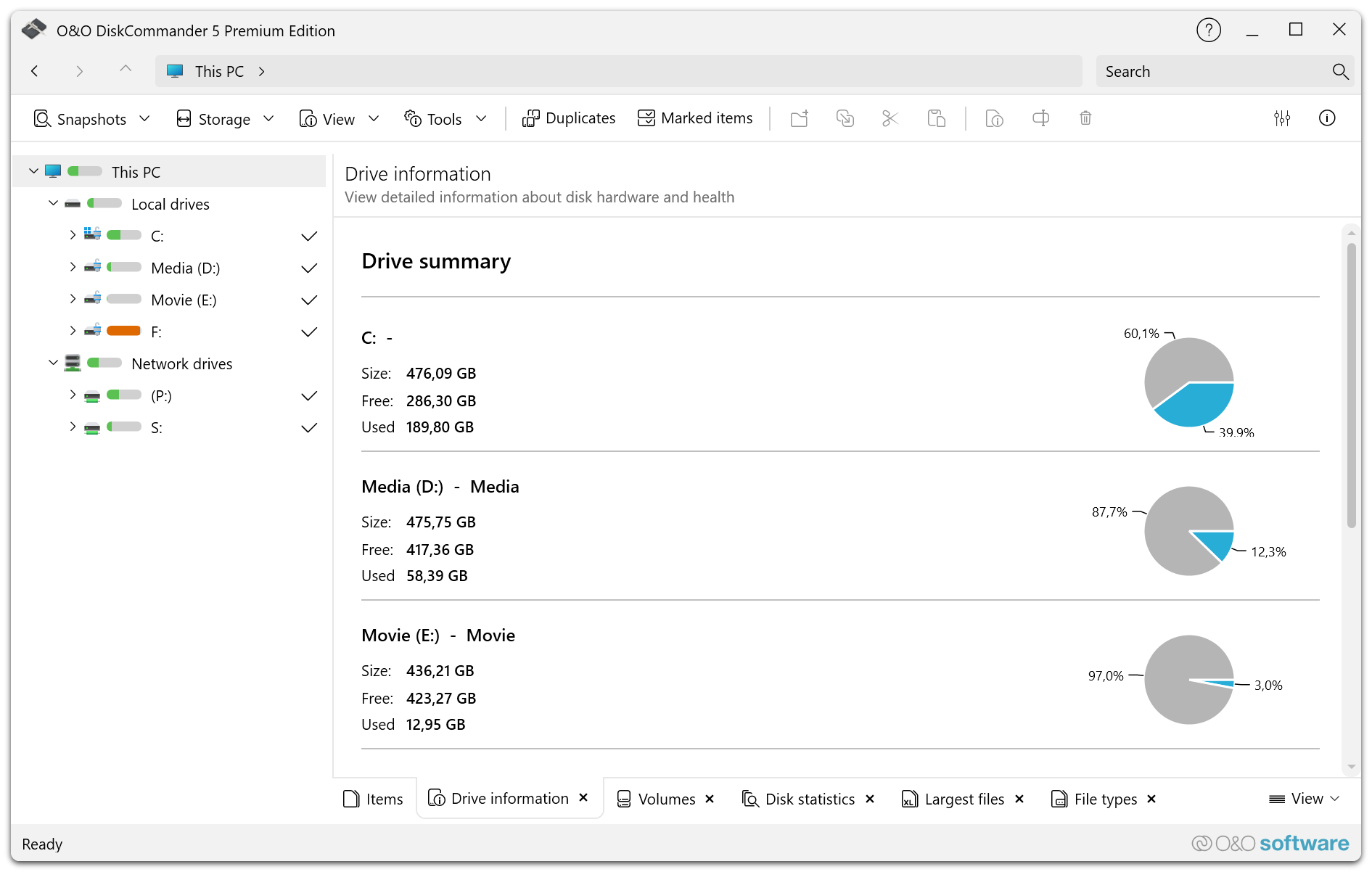
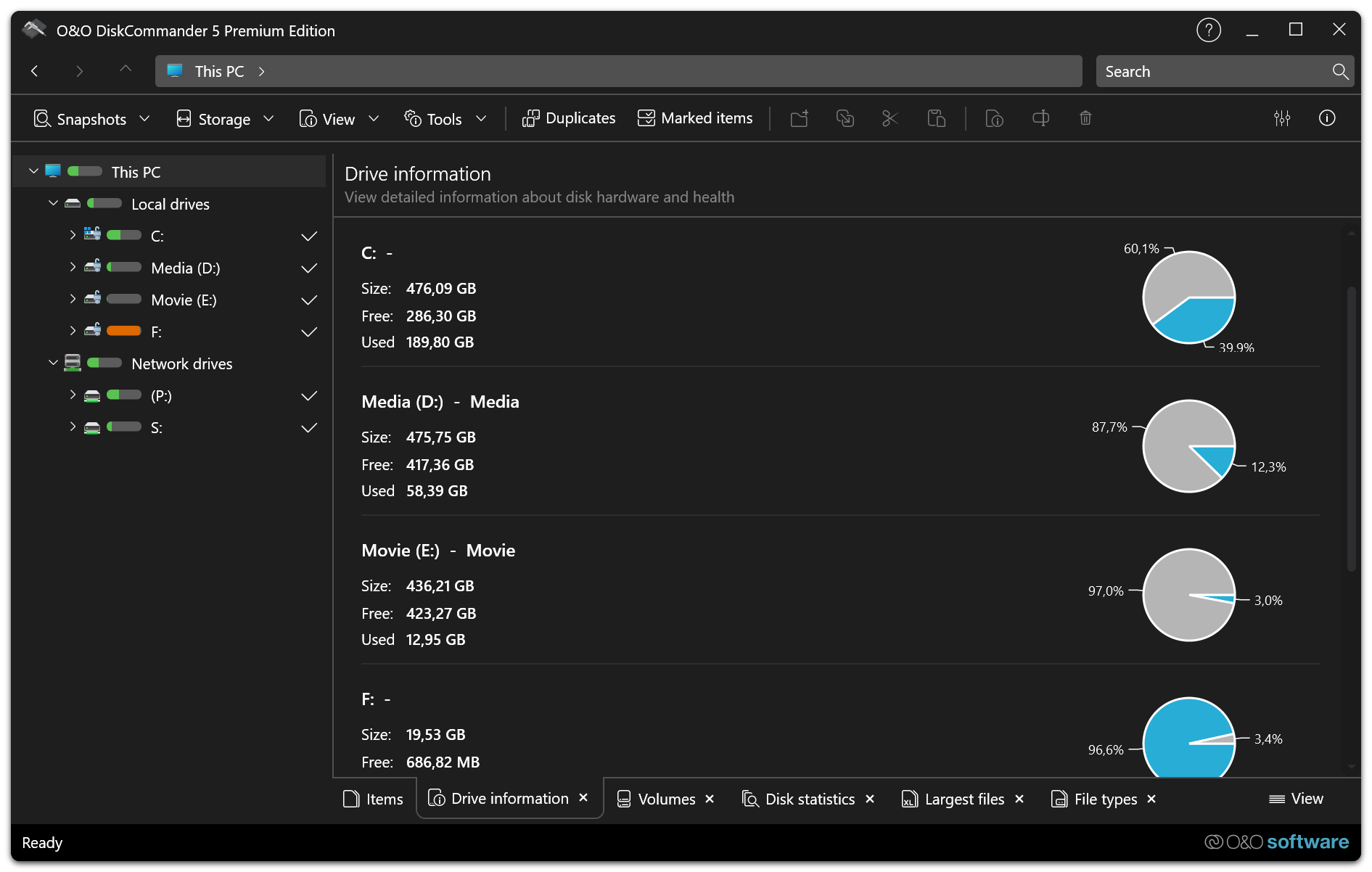
In addition to the classic storage space analysis, O&O DiskCommander offers detailed insights into drives, partitions and file systems. Particularly practical: O&O DiskImage backups can also be analyzed directly without the need for a restore. In this way, you can reliably keep an eye not only on your current data, but also on your backups.
Detailed Product Description:
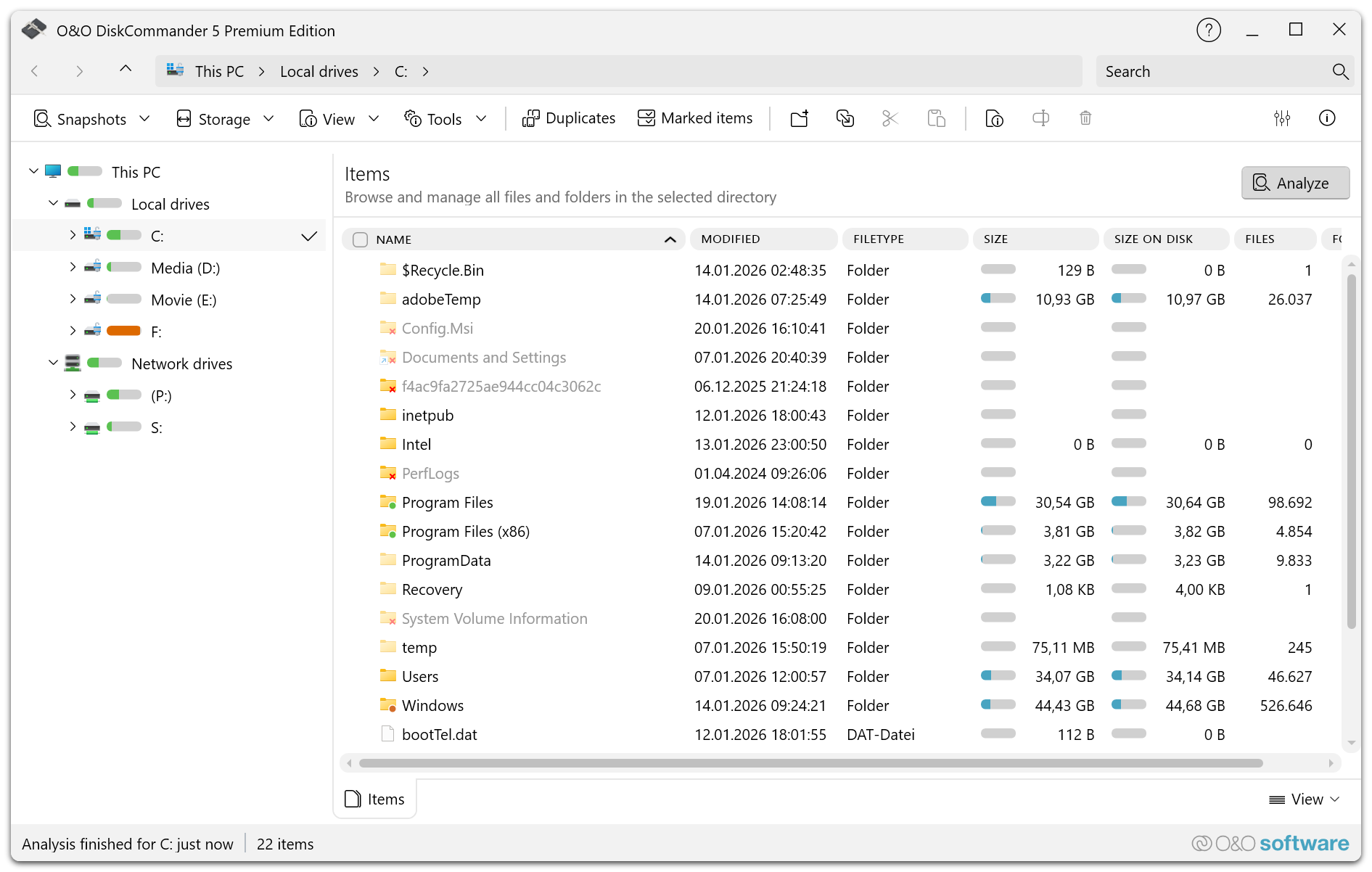
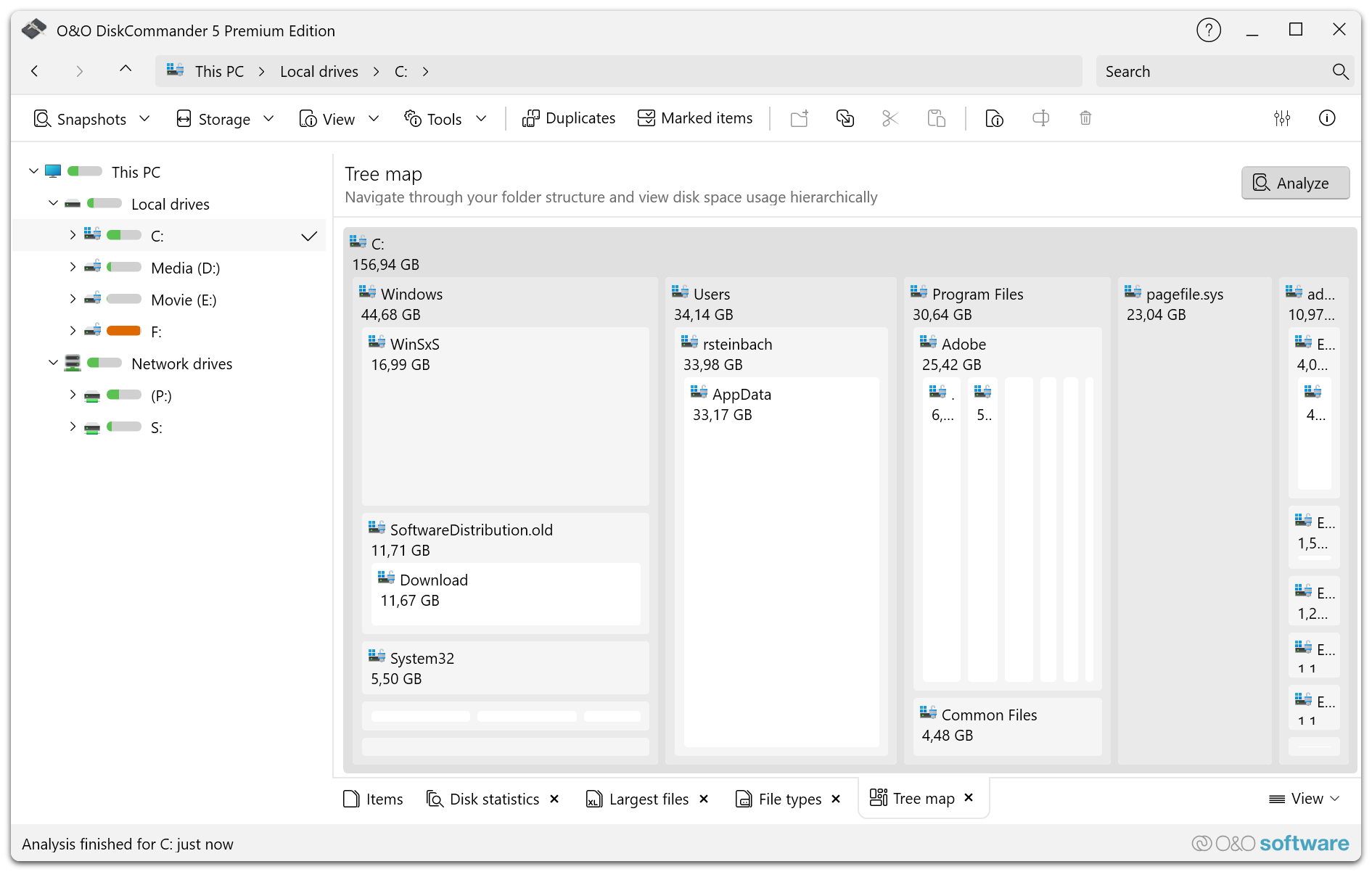
The modern analysis interface supports you in clearly examining data sets and making well-founded decisions. Statistics and evaluations show, among other things, the largest files and folders, the storage consumption by file type and category, and the structure of your drives. This makes O&O DiskCommander suitable for private users as well as for professional IT environments in which storage space, order and traceability are crucial.
A particular advantage of O&O DiskCommander is the ability to load and analyze O&O DiskImage backups directly without having to restore them first. In this way, file and folder structures, system layouts and data contained in image files can be checked, documented and evaluated. This saves time and makes it much easier to check existing fuses.
In addition, O&O DiskCommander supports the analysis of snapshot files, even if the original drive is not connected to the computer. This is especially helpful for archived disks, offline drives, or diagnostic scenarios.
O&O DiskCommander also provides effective support in the search for duplicates. Potential duplicate files can be identified and prepared for further action. In combination with powerful analysis and management functions, the software helps to free up storage space, clean up data stocks and permanently improve the overview of existing files.
O&O DiskCommander is therefore the ideal solution for anyone who wants to professionally analyze their data carriers, file structures and backups – clearly, efficiently and reliably.
Product Material:
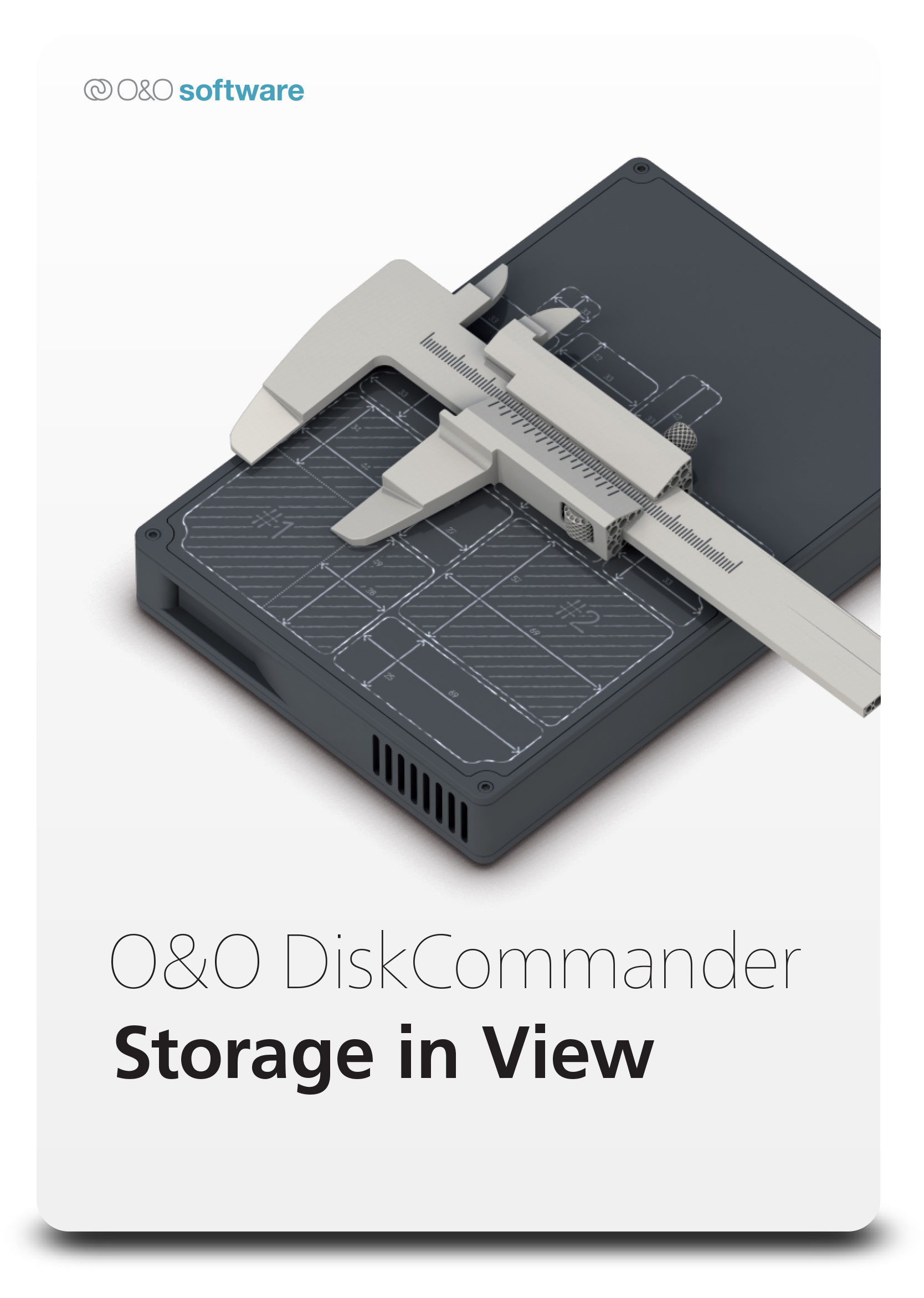 Packshot |
 ProductIcon |
Screenshots:
 |
 |
 |
 |
- O&O AutoBackup
- O&O BlueCon
- O&O CleverCache
- O&O Defrag
- O&O DiskCommander
- O&O DiskImage
- O&O DiskRecovery
- O&O DiskStat
- O&O DriveLED
- O&O FileBackup
- O&O FileErase
- O&O MediaRecovery
- O&O RegEditor
- O&O SafeErase
- O&O ShutUp10
- O&O Software
- O&O Syspectr
- O&O ToolBox
Press contact

Andrea Strehsow
Phone:
Fax:
+49 (0)30 991 9162-99
eMail:
LinkedIn:
Address:
O&O Software GmbH
Bülowstraße 66
10783 Berlin
Germany