
This Editor’s Guide provides IT journalists with information about the current version of O&O AutoBackup. You will find test and image material for free use and reproduction in magazines, newspapers, or websites.
Short Product Description
Standard Product Description
Automatic execution when a backup medium is connected is particularly convenient. If, for example, a designated USB hard drive or USB flash drive is connected to the PC, O&O AutoBackup can automatically start the corresponding backup task. This eliminates the need to manually copy important files on a regular basis.
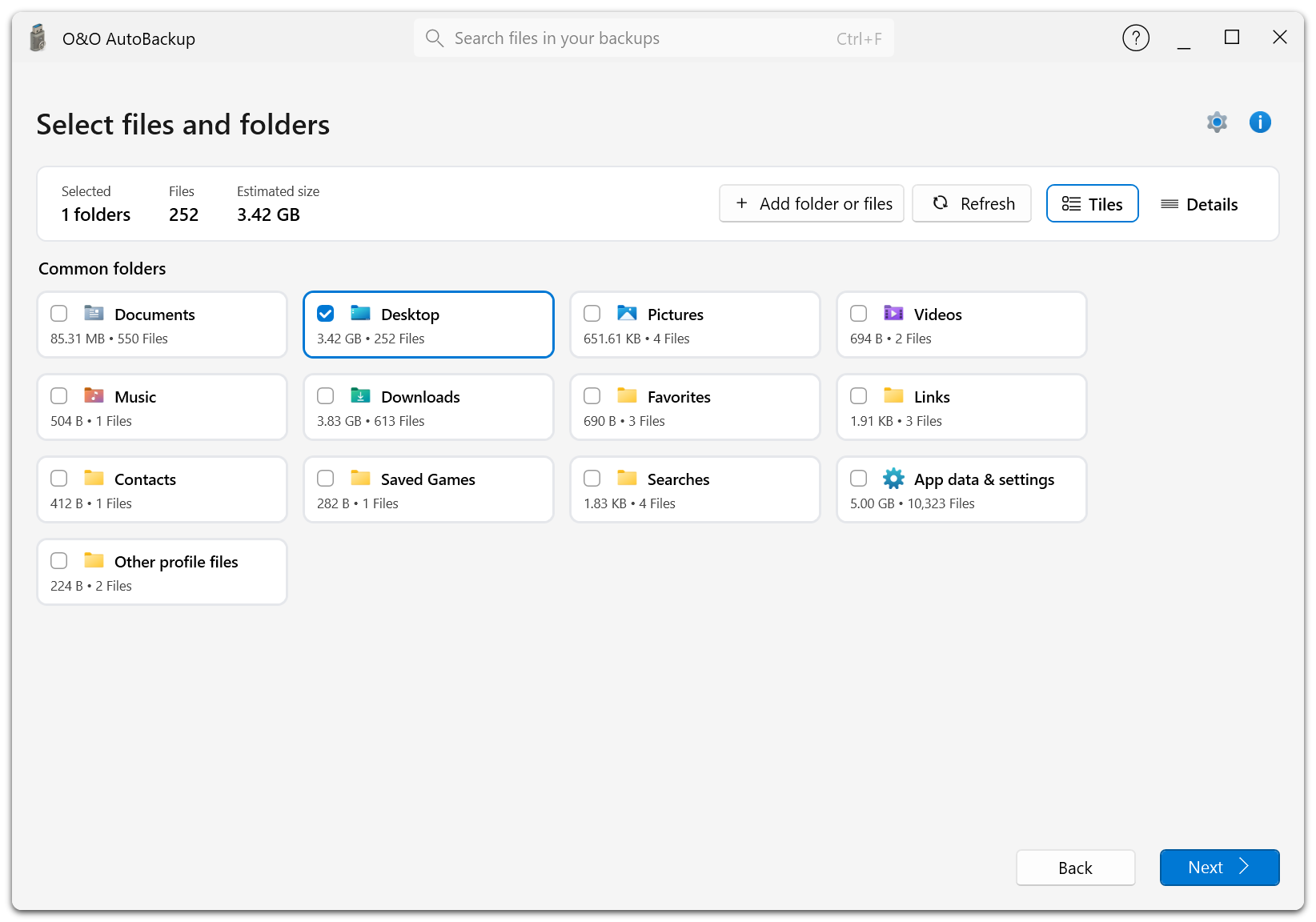
Another new feature in version 8 is support for OneDrive data. This makes it possible to include locally available OneDrive files in backup and synchronization tasks. The completely redesigned user interface guides users through the setup process step by step, making automatic data backup easily accessible even to users without advanced technical knowledge.
Detailed Product Description
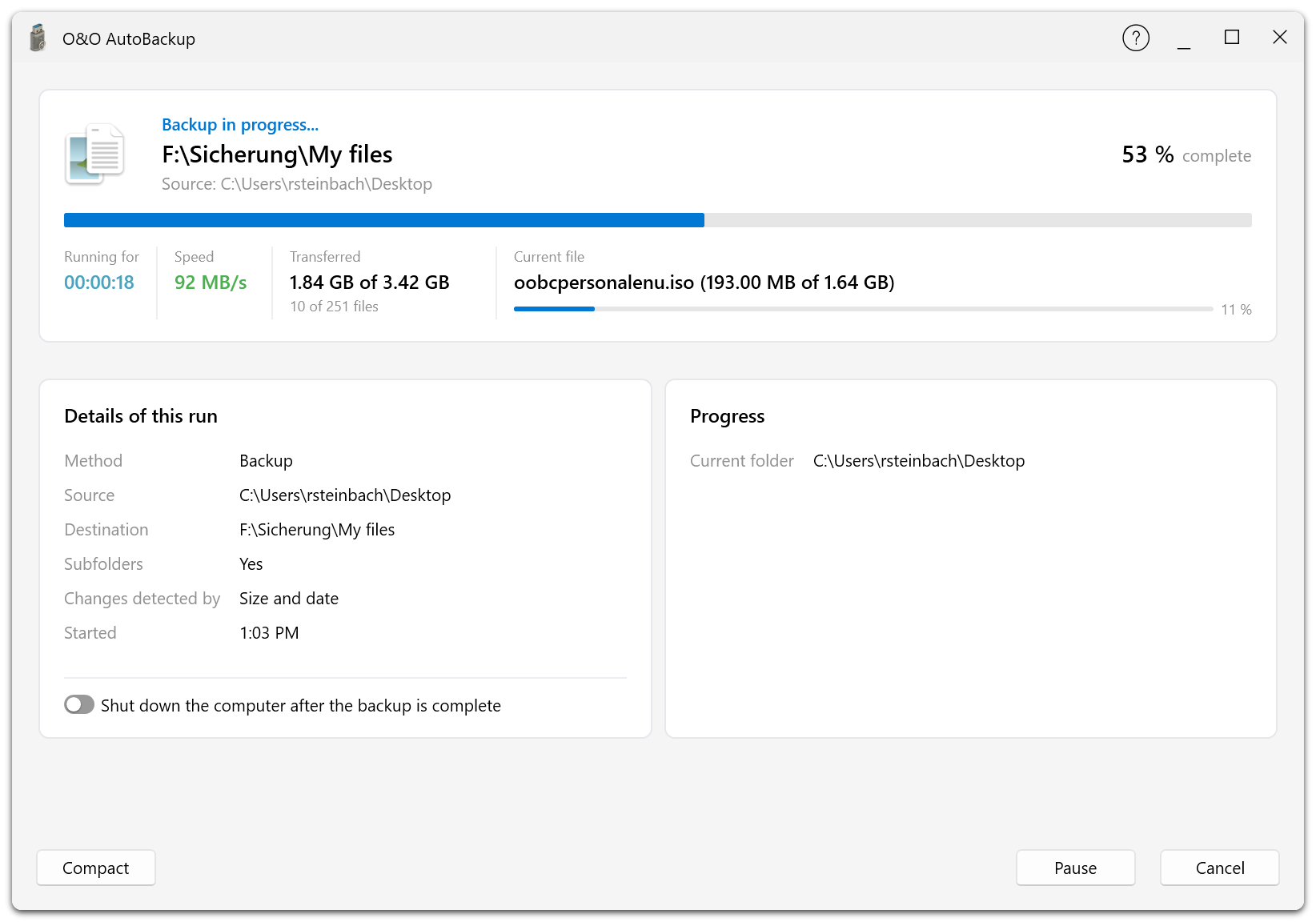
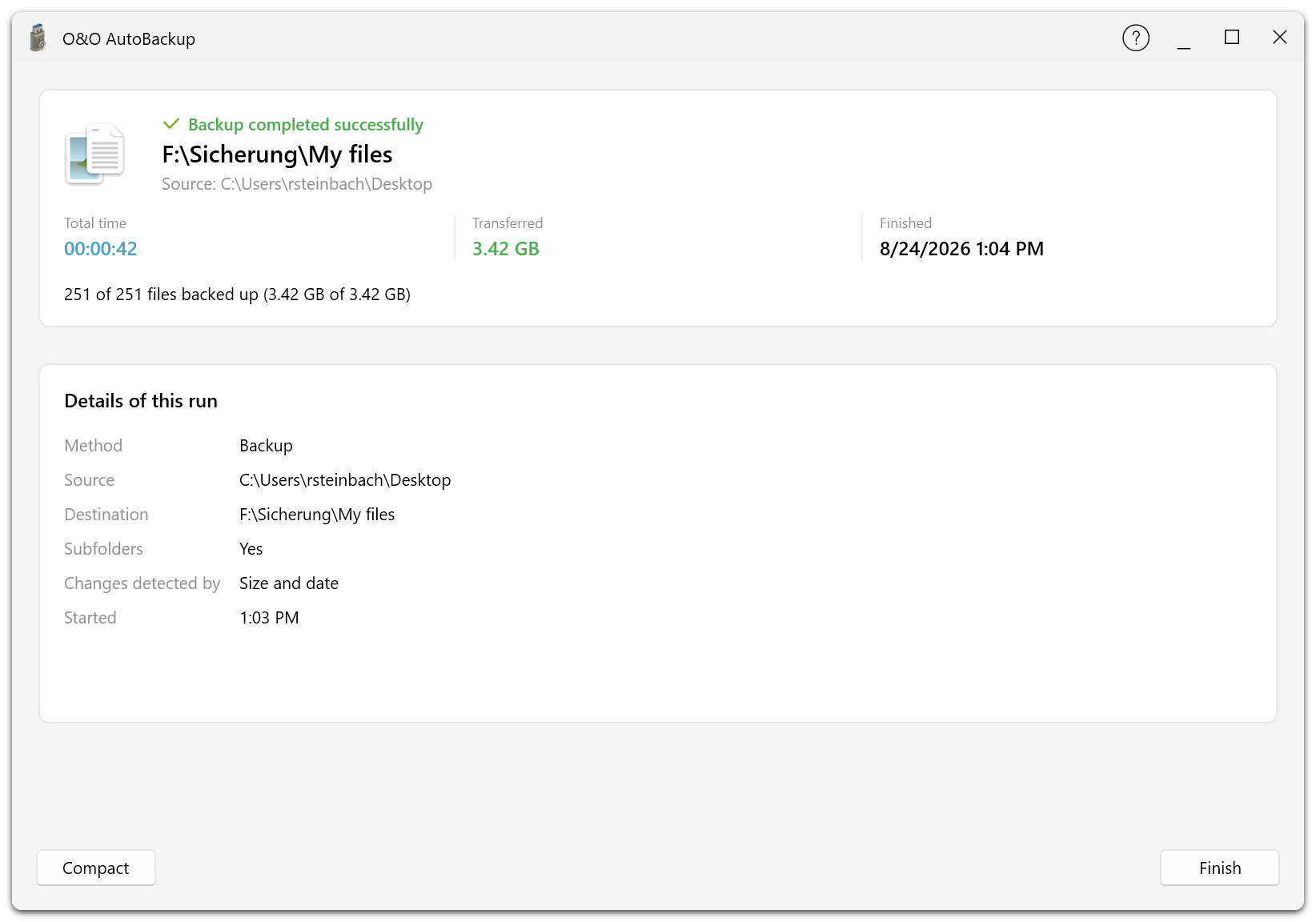
Users define which data should be included in a backup task, select the destination, and decide whether the selected content should be copied or synchronized. This makes it possible to regularly store documents, photos, videos, project files, and other important data on an external hard drive, USB flash drive, or another designated storage destination.
Automatic detection of connected backup media is particularly convenient. If, for example, the USB hard drive assigned to a task is connected to the PC, O&O AutoBackup can automatically execute the corresponding backup. In everyday use, this often means that users only need to connect the backup medium while O&O AutoBackup takes care of the configured process automatically.
With version 8, OneDrive data can also be integrated into backup and synchronization tasks for the first time. This allows locally available OneDrive files to be included in a central backup strategy together with traditional PC data. Users therefore no longer have to make a strict distinction between locally stored data and OneDrive content.
O&O AutoBackup 8 also supports S3-compatible storage destinations. This makes it possible to complement local backups with remote storage locations and implement flexible, customized backup strategies.
To protect confidential data, O&O AutoBackup 8 also offers encryption and obfuscation features. Backup data can therefore be additionally protected against unauthorized access, especially when files are stored on external or remote storage destinations.
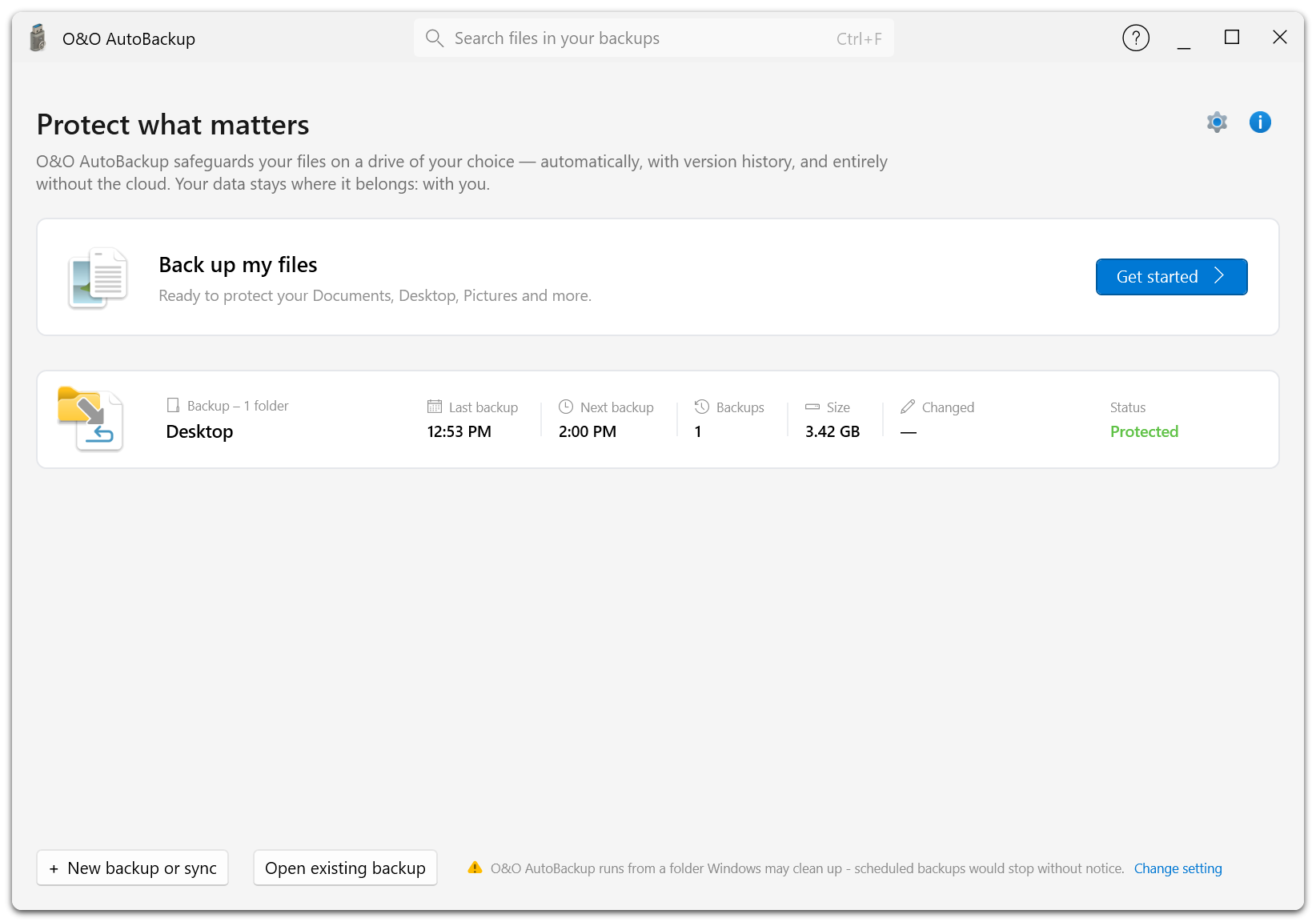
The user interface has been completely redesigned for version 8. A clear step-by-step workflow helps users configure new backup tasks. Source, destination, and the desired backup method can be defined in a straightforward way, allowing even users without advanced technical knowledge to set up automatic data backup in just a few steps.
O&O AutoBackup 8 therefore combines automatic backup and synchronization with flexible storage destinations, OneDrive support, and particularly easy operation.
Product Material:
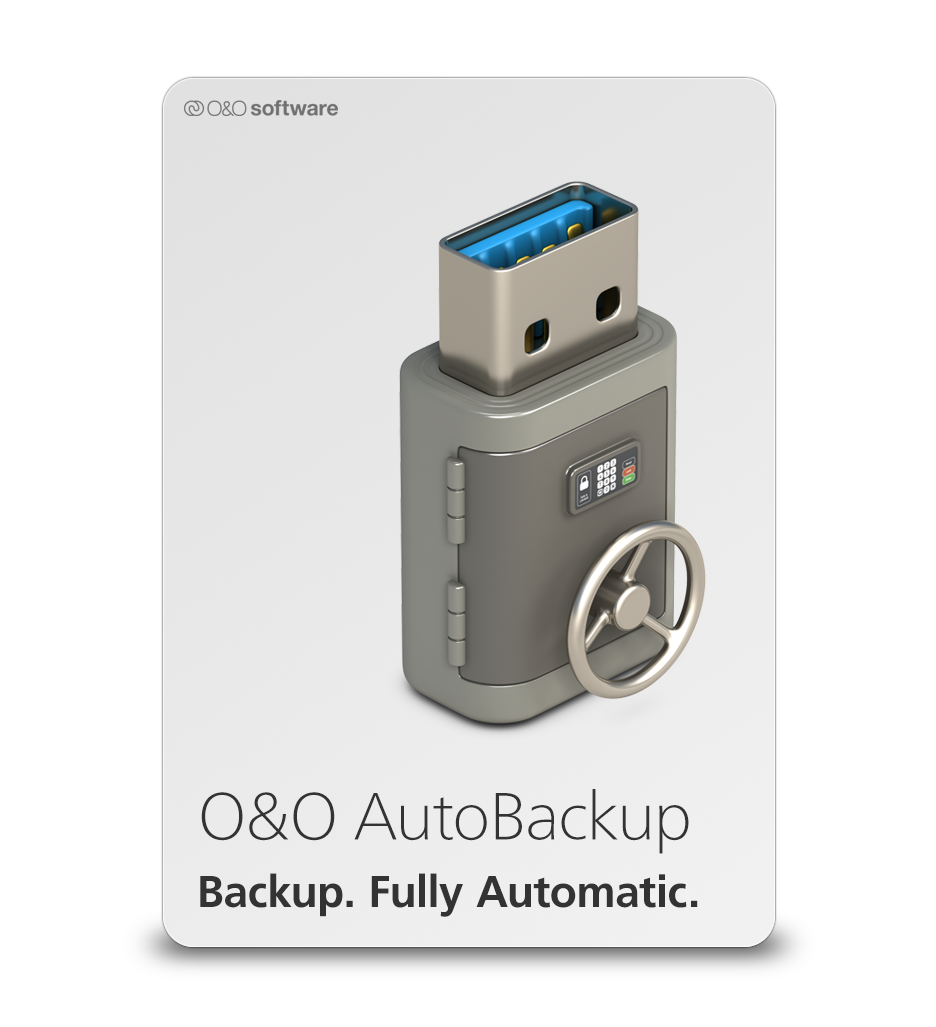 Packshot |
 Product Icon |
Screenshots:
 |
 |
 |
 |
- O&O AutoBackup
- O&O BlueCon
- O&O CleverCache
- O&O Defrag
- O&O DiskCommander
- O&O DiskImage
- O&O DiskRecovery
- O&O DiskStat
- O&O DriveLED
- O&O FileBackup
- O&O FileErase
- O&O MediaRecovery
- O&O RegEditor
- O&O SafeErase
- O&O ShutUp10
- O&O Software
- O&O Syspectr
- O&O ToolBox
Press contact

Andrea Strehsow
Phone:
Fax:
+49 (0)30 991 9162-99
eMail:
LinkedIn:
Address:
O&O Software GmbH
Bülowstraße 66
10783 Berlin
Germany