
This Editor’s Guide provides IT journalists with information about O&O DiskImage 23 Premium Edition. Here you will find product descriptions, review materials, and images available for use and reproduction in magazines, newspapers, and on websites.
Short Product Description
Standard Product Description
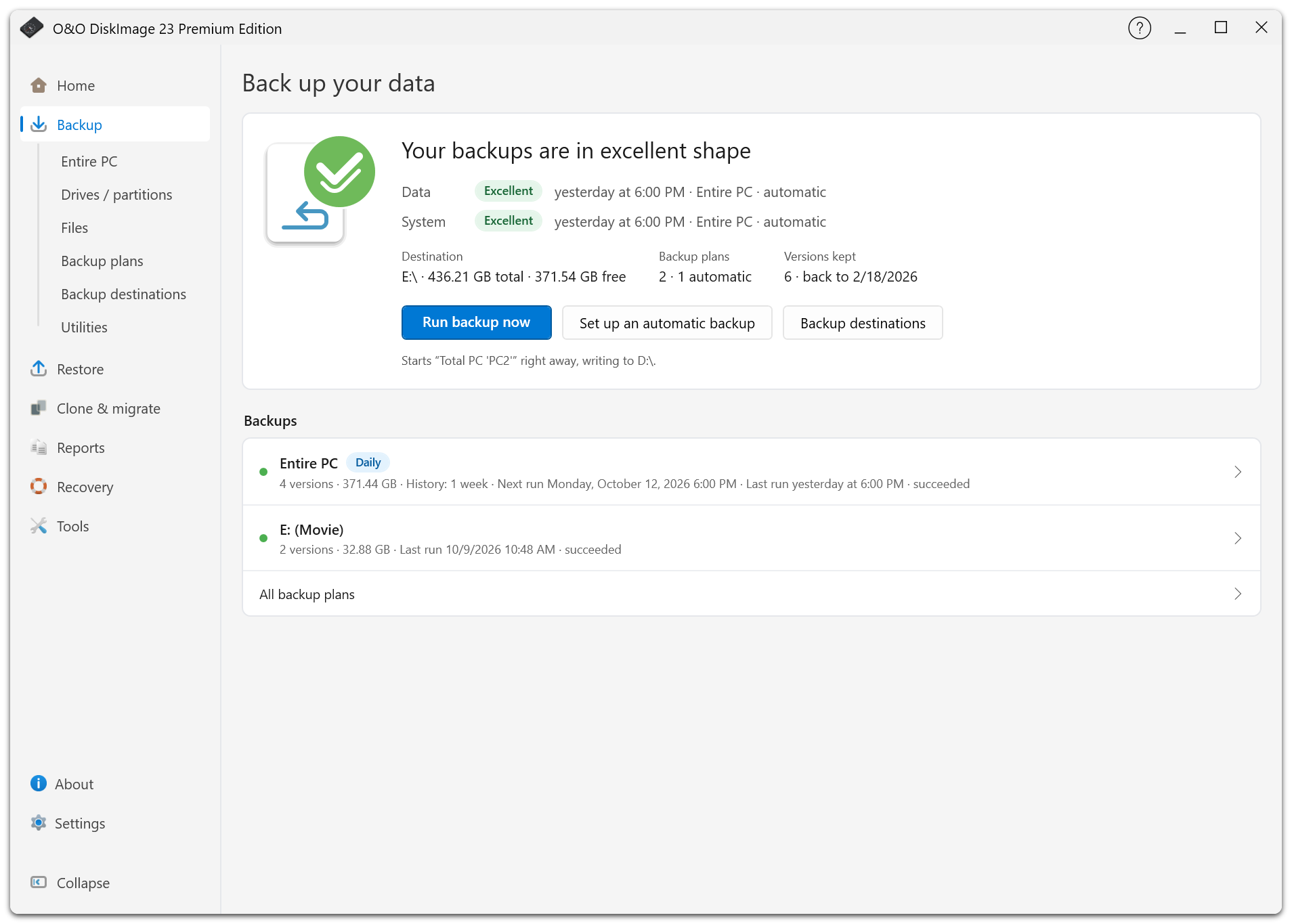
The completely redesigned user interface provides a central overview of backup status, existing backups, and upcoming tasks. Automatic backup chains and individually configurable retention periods help users perform regular backups with minimal administrative effort.
New in version 23 is the ability to automatically transfer backups to a second storage location. In addition to local drives and network shares, S3-compatible cloud storage and WebDAV servers are supported. Transfers can run in the background and resume after interruptions.
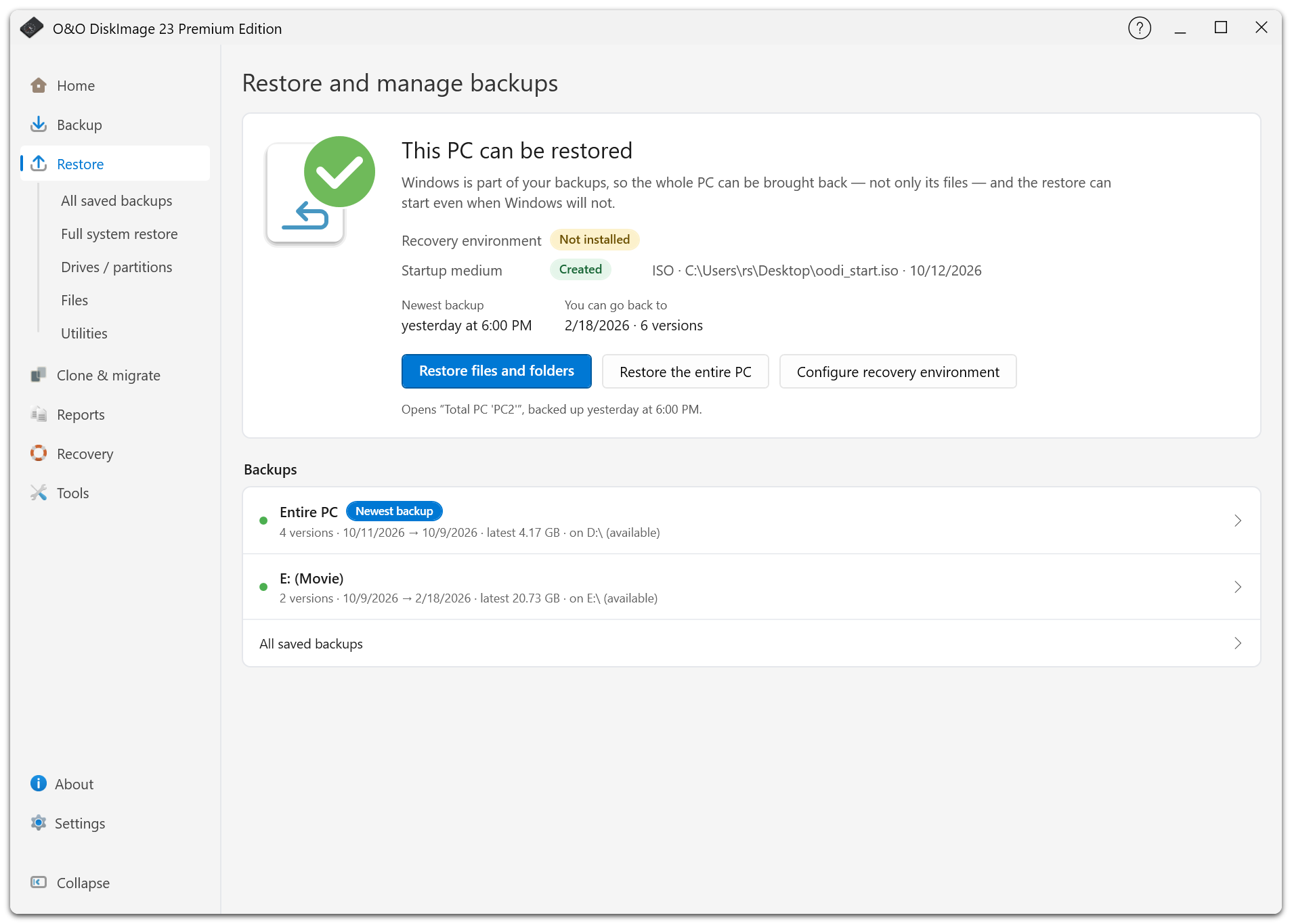
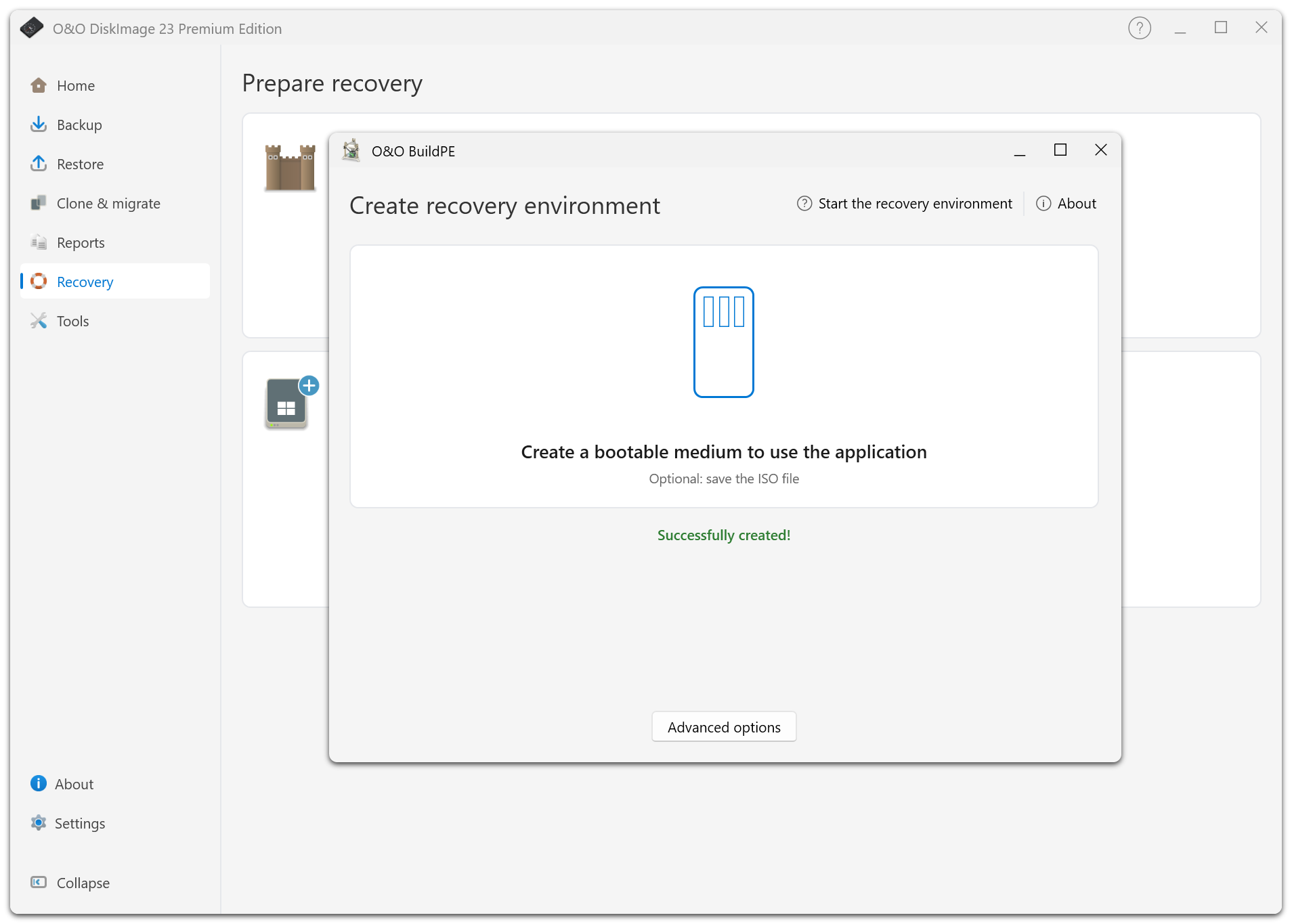
For emergencies, O&O DiskImage provides an integrated recovery environment and the ability to create bootable USB recovery media. This allows systems to be restored even when Windows can no longer start. Thanks to hardware-independent restoration, backups can also be transferred to computers with different hardware configurations.
O&O DiskImage 23 Premium Edition supports Windows 10 and Windows 11 (64-bit).
Detailed Product Description
New User Interface with Central Backup Status
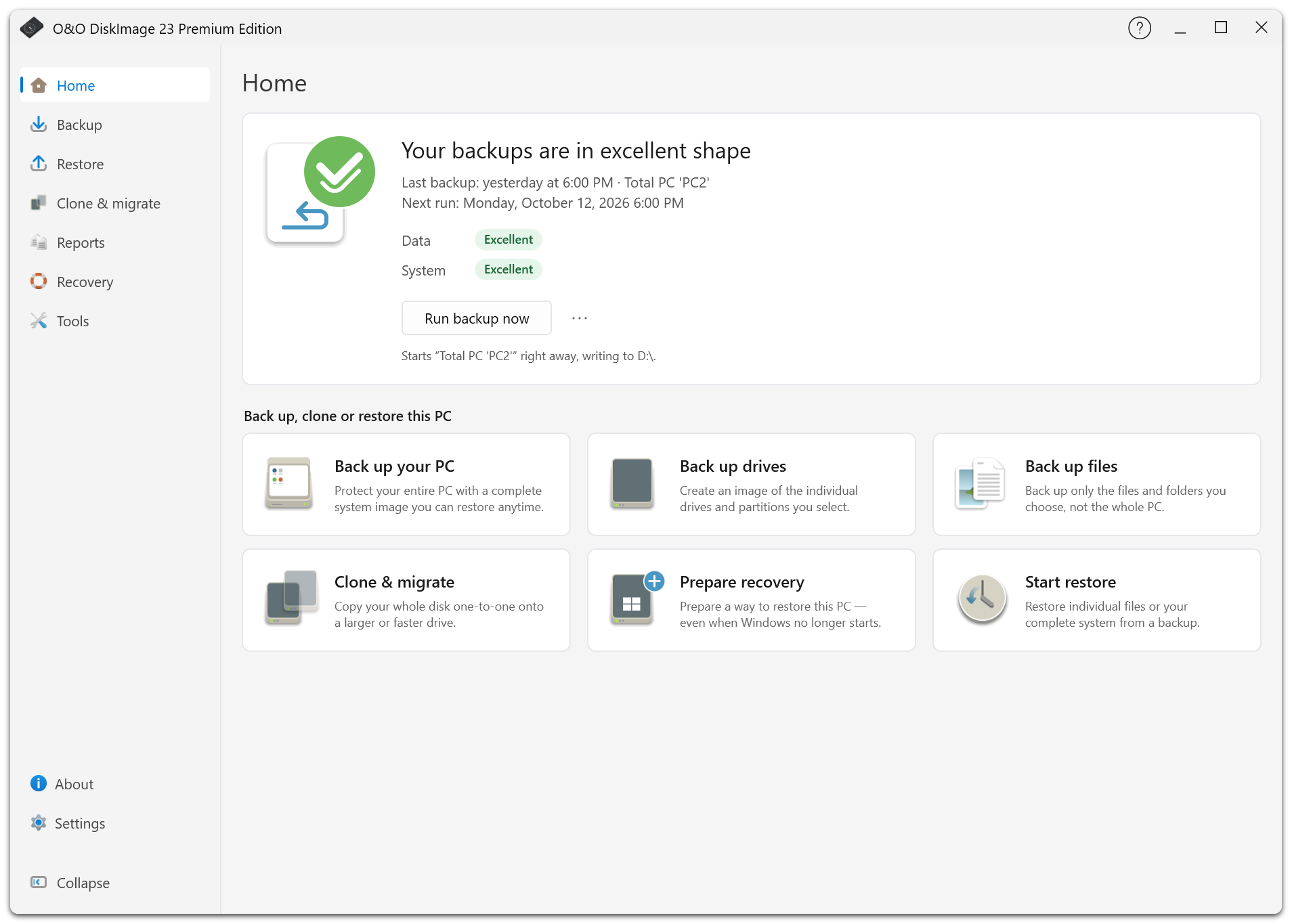
Version 23 features a completely redesigned user interface with intuitive navigation and dedicated sections for backup, recovery, cloning, and reports. The home screen displays the current backup status, recovery readiness, and important information about existing backups. Guided setup makes it easier for new users to get started with regular data protection.
Additional Backup Copies in the Cloud
O&O DiskImage 23 can automatically transfer backups to a second storage location. Supported destinations include additional local drives, network shares, S3-compatible cloud storage, and WebDAV servers. Transfers can run automatically in the background.
Automatic retries and the ability to resume interrupted S3 transfers improve reliability when network connections are interrupted. Complete backup chains are preserved. If necessary, backup versions stored exclusively at the second location can also be restored.
Automatic Backup Chains and Flexible Retention
Backup management supports individually configurable schedules and time-based retention policies. Users can define weekly or monthly full backups and specify how long older backup versions should be retained.
A backup history overview displays existing versions and scheduled deletions. Individual backups can be permanently excluded from automatic cleanup. This allows users to manage storage requirements and backup history more effectively.
Recovery Even After a System Failure
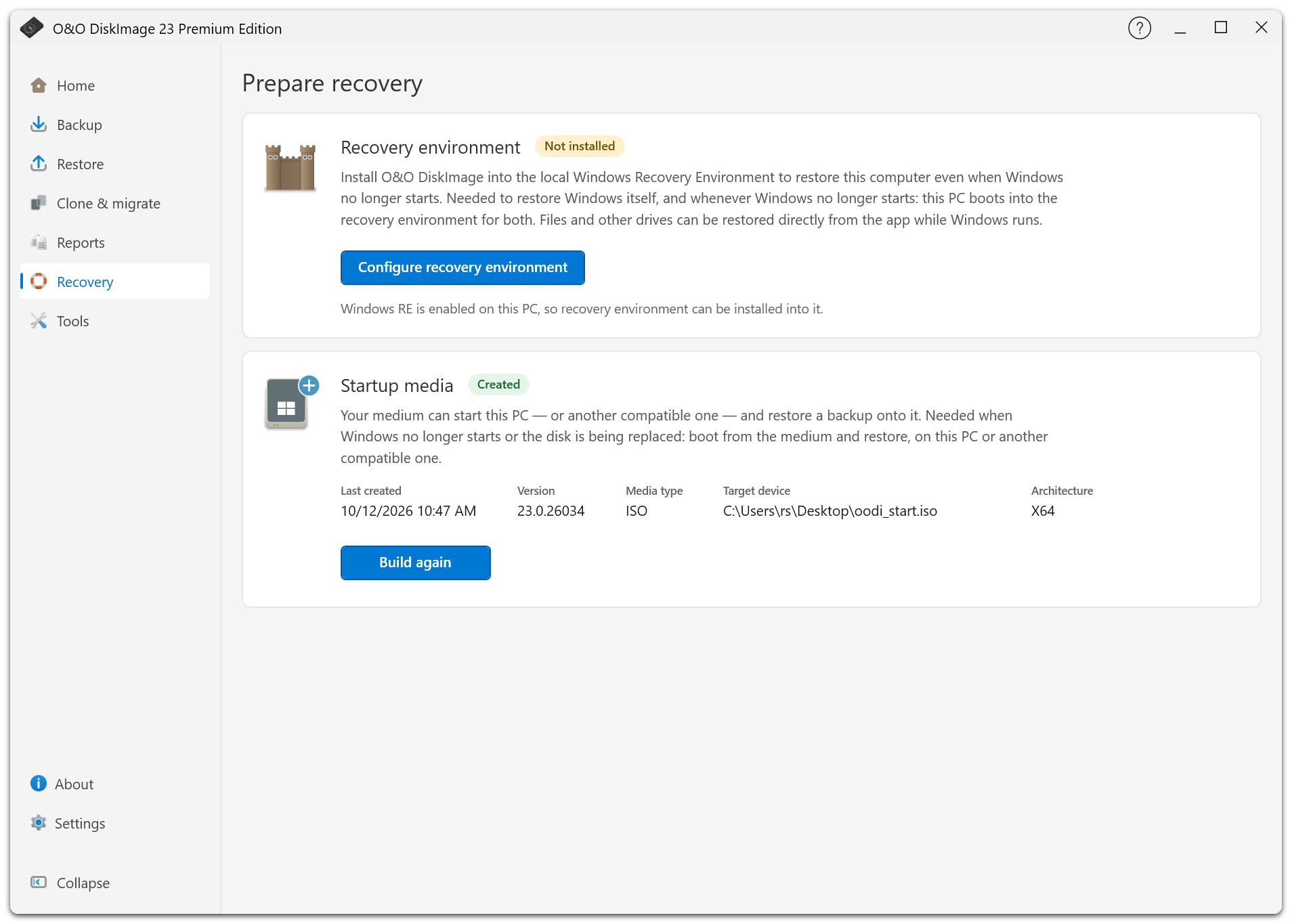
To restore an entire computer or system partition, O&O DiskImage provides a recovery environment that can be integrated into the computer. Alternatively, bootable USB recovery media can be created directly from the application.
This allows existing backups to be restored even when Windows no longer starts. Recovery can be performed on the original computer or another system. Hardware-independent restoration also supports migration to different hardware configurations.
Version 23 additionally improves the restoration of entire drives to smaller target disks, provided that the backed-up data fits on the destination.
Virtualization, Drive Cloning, and Additional Tools
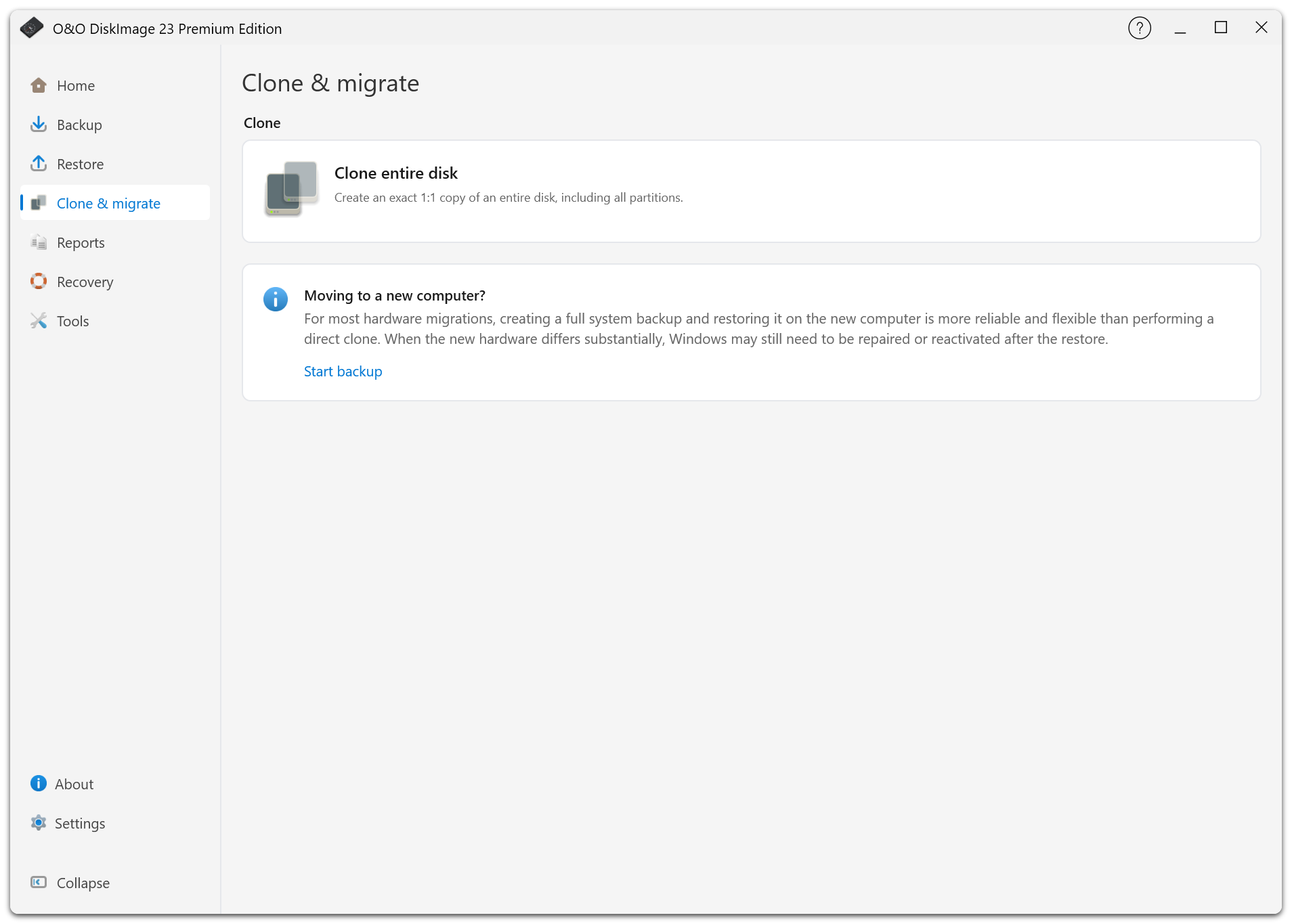
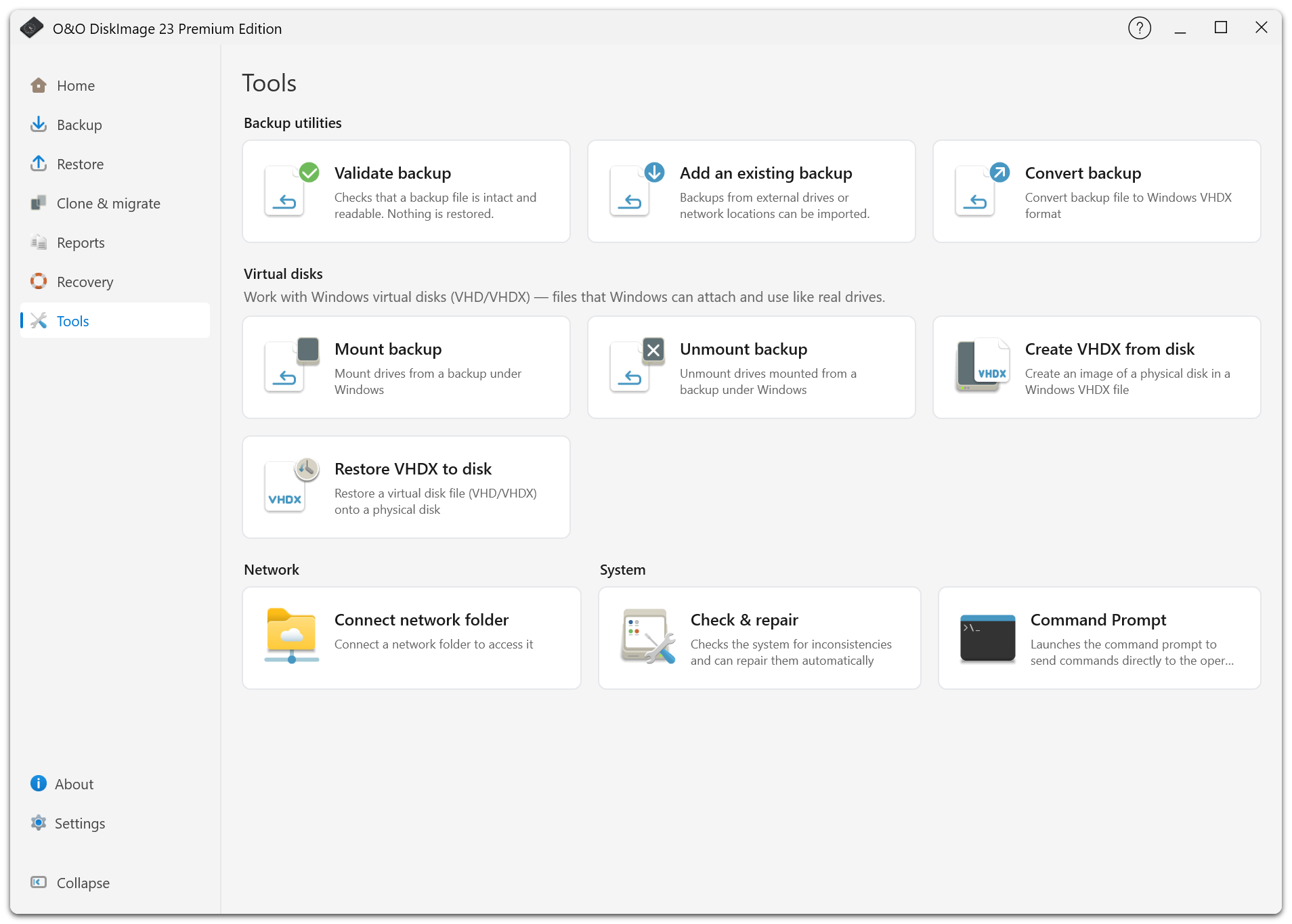
In addition to traditional backup and recovery functions, O&O DiskImage supports drive cloning and virtual disks in VHD and VHDX formats.
Physical disks can be converted into virtual disk images, and virtual disks can be restored to physical drives. Both fixed-size and dynamically expanding virtual disks are supported.
O&O DiskImage 23 Premium Edition also includes additional tools for managing and maintaining Windows systems.
System Requirements
O&O DiskImage 23 Premium Edition supports Microsoft Windows 10 and Windows 11 (64-bit).
Product Materials:
 Packshot |
 Product Icon |
Screenshots:
 |
 |
 |
 |
 |
 |
 |
 |
 |
- O&O AutoBackup
- O&O BlueCon
- O&O CleverCache
- O&O Defrag
- O&O DiskCommander
- O&O DiskImage
- O&O DiskRecovery
- O&O DiskStat
- O&O DriveLED
- O&O FileBackup
- O&O FileErase
- O&O MediaRecovery
- O&O RegEditor
- O&O SafeErase
- O&O ShutUp10
- O&O Software
- O&O Syspectr
- O&O ToolBox
Press contact

Andrea Strehsow
Phone:
Fax:
+49 (0)30 991 9162-99
eMail:
LinkedIn:
Address:
O&O Software GmbH
Bülowstraße 66
10783 Berlin
Germany